








 ChatGPT
 Claude
 Grok
Grok Perplexity
 Gemini
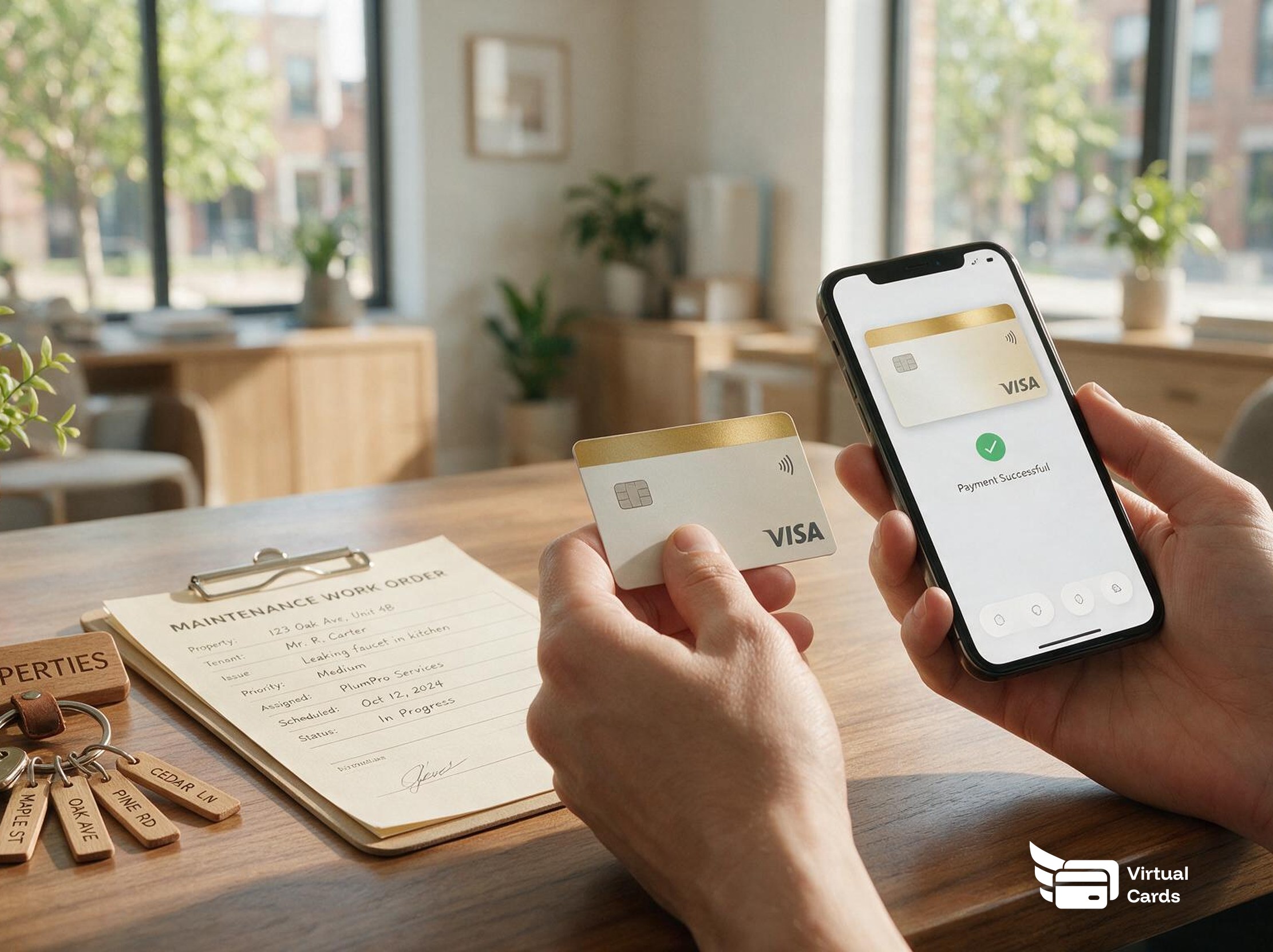
For a Salt Lake City property management company, the physical card vs virtual card decision comes down to who is making the purchase and where. A physical card still matters for a maintenance tech standing at a hardware store counter. A virtual card fits a vendor invoice, a same-day repair, or a leasing office's online supply order. Here's how the two actually compare once your team, not you personally, is the one swiping.
Most property management teams don't start by comparing card products. They start with one shared card living in a truck's glovebox and a spreadsheet nobody updates until the statement closes.
That works fine until a tenant in Sugar House calls about a leaking water heater on a Saturday night, and the plumber who can come out today isn't in your vendor system yet. Someone has to decide, on the spot, whether to read a card number over the phone or send a card that's already capped to the estimate. See how a property management team uses virtual cards for per-unit spend control across a whole portfolio, not just one repair call.
What's the real difference between a physical card and a virtual card?
Strip away the marketing, and the two card types work in opposite directions for a property management team deciding what to give staff and vendors. Merchant and mobile wallet support depend on your card program's setup, so check what's live on yours before relying on the comparison below.
| What matters for a property management team | Physical card | Virtual card |
|---|---|---|
| Availability | Shipped to the cardholder (a fee applies); not usable until it arrives | Issued in minutes on your dashboard, no shipping wait |
| Where it's used | Most in-person terminals that accept the card network, swipe, chip, or tap | Online checkout, phone orders, and vendor invoices (tap-to-pay if mobile wallet is supported) |
| Spending controls | Limit and merchant restrictions available | Same controls, with merchant restrictions that can scope to a single vendor or job where supported |
| If it's lost | Stays usable until reported and cancelled, then a replacement has to be shipped again | Cancelled from your dashboard right away, nothing to reissue and mail |
| Best fit for | A recurring, in-person purchase at a store a tech already knows | A specific vendor, a one-time repair, or a job that ends on a set date |
Neither product is wrong. A physical card still makes sense for a maintenance tech who runs the same hardware store route every week. A virtual card fits the one-off, unpredictable spend that shows up across a multi-property portfolio: an emergency repair, a new vendor's first invoice, or a leasing office's online order for move-in supplies. That's the same logic behind paying vendors and contractors with virtual cards, applied to a property management team specifically.
A worked example: a Saturday night water heater failure
A single shared card works fine when one person handles every repair call. Add a six-property portfolio across Salt Lake City, a rotating list of vendors, and staff who come and go, and that same card creates a new problem every week: nobody can say who authorized what, and a card sitting in a drawer stays usable until someone notices it's missing.
Here's how one Salt Lake City property manager handles an emergency repair without reading a card number over the phone or waiting for a mailed card. (The figures below are an illustrative scenario, not real customer data.)
7:00 PM: how the card is set
- The tenant reports no hot water. The on-call plumber isn't in the vendor system yet, so there's no standing card for them.
- The property manager gets a phone estimate, checks that the company wallet has enough available balance to cover it, then creates a virtual card capped at that estimate, named for the property ("Sugar House - Unit 4B water heater"), funded from the company wallet.
- Merchant restriction: left open for this one repair, since the plumber is new, but the cap does the real work here.
7:20 PM: what clears that night
- Cleared the repair charge, at or under the capped estimate. The plumber keys the card into their mobile card reader as a card-not-present sale, so no card number gets read aloud over the phone.
8:10 PM: what gets flagged
- Flagged an attempt to charge more than the cap after the plumber finds a second issue mid-repair. The charge is declined at that amount, the plumber calls the property manager, and the manager approves a new cap for the added work instead of finding out about it after the invoice arrives.
Monday morning: review
The repair is already tagged to that property and unit, so reviewing the weekend's emergency spend means reading one card's history instead of matching a phone-quoted charge back to a tenant call from memory.
What happens when a maintenance tech or leasing agent leaves
This is the scenario that decides the argument for most property management teams: someone gives notice, or a maintenance tech gets reassigned to a different portfolio, mid-week. Here's what changes depending on which card they were carrying.
Shared physical card
- Still live and usable anywhere until it's physically recovered
- Someone has to track the card down before it's truly out of use
- No way to stop a charge that happens before it's turned in
Virtual card assigned to that person
- Cancelled straight from your dashboard
- No plastic to chase down across a truck, a leasing office, or a last-known property
- The spend history under that card stays put for your records, even after cancellation
Onboarding works the same way in reverse. If you're standardizing how a new hire gets a card, onboarding a new hire with a spending card covers the setup steps once, so every new maintenance tech or leasing agent starts the same way.
Mistakes to avoid across a multi-property portfolio
Don't hand the same physical card to multiple maintenance techs across properties. That recreates the exact accountability problem a per-person or per-job card is meant to solve, with a different card number.
Don't leave a vendor's card uncapped "just for this one repair." An uncapped card handed out for a single job has a way of becoming that vendor's default, with nobody remembering why it was never scaled back. A community association ran into the same pattern with rotating vendors; see how one HOA locked down vendor spend with virtual cards.
Don't wait for the next billing cycle to cancel a departed tech's or agent's card. Cancel it the day they leave, not on the next admin task list.
Physical or virtual: how to decide for your portfolio
The right mix usually depends on the situation more than a blanket policy. Here's how four common property management situations line up.
| Situation | Recommended card | Why |
|---|---|---|
| Recurring vendor with a standing contract (landscaping, pest control) | Physical or standing virtual card | Either works once the vendor is known and the spend is predictable |
| One-off emergency repair, new or unverified vendor | Capped, single-use virtual card | Funded from your own wallet balance, so there's nothing to underwrite, and the cap limits exposure before a track record exists |
| Maintenance tech's recurring hardware store run | Physical, or virtual with mobile wallet support | Physical works everywhere today; virtual works too once tap-to-pay is set up on your program |
| Leasing office's online supply orders | Virtual card | No in-person counter involved, so there's nothing a physical card adds |
Give staff or a vendor a virtual card if…
- It's a one-time repair, a new vendor, or an online or phone order
- You want spend capped to a specific job or property
- You want to cancel it yourself the day a job ends or someone leaves
- You're managing more than a couple of properties and want each cost traceable
A physical card still makes sense if…
- A tech runs the same in-person route to a familiar store every week
- Mobile wallet tap-to-pay isn't available on your current card program
- Only one trusted person at the office ever uses that card
Many property management teams end up running both, and standardizing recurring vendor spend helps either way. See managing recurring vendor payments without sharing card numbers for the standing-vendor side of this same decision.
How to set up a card for staff or a vendor
- Create the card and name it for the property or job, not just the person, so the record stays useful if that unit or contract changes hands. Fund it from your company wallet balance.
- Set the cap to the job or the estimate, not a round number that's easy to remember. A tighter cap means a lost or misused card has a smaller blast radius.
- Add a merchant or category restriction where the vendor or purchase type is already known and repeatable.
- Send the card to the tech or vendor. If your card program supports mobile wallet provisioning, a virtual card can be added to a phone wallet for tap-to-pay; otherwise the card number is used directly at checkout or on an invoice.
If a card is declined, that's not a dead end. The tech or vendor calls the office, and your dashboard shows the likely reason, when your card program's reporting surfaces it: over the cap, an unapproved merchant, or a restriction that needs adjusting. Whoever answers can raise the limit on the spot instead of the vendor walking away from the job.
For the full breakdown of physical vs virtual cards across cost, security, and everyday use, see virtual card vs physical card: which one your business actually needs.
People also ask
What is the real difference between a physical card and a virtual card for a property management team?
A physical card is plastic, shipped before use, that works at most in-person terminals. A virtual card is created on a dashboard for online, phone, and vendor payments. Both draw from the same company wallet, so the difference is speed of issuance and where it works, not who owes it.
Can a maintenance tech use a virtual card at a hardware store counter?
If your card program supports mobile wallet provisioning, a virtual card can be added to a phone for tap-to-pay at terminals that accept it. Where that isn't set up, a virtual card is best for online and phone-based purchases, and a physical card still covers an in-person counter purchase.
How do I stop a vendor from spending beyond the job I hired them for?
Set a spending cap on the card before you send it, and add a merchant or category restriction where your card program supports it. A charge above the cap or outside the allowed merchant is a decline you can see and review, not a surprise on next month's statement.
What happens if a physical card is lost at a job site?
A lost physical card stays usable until you report it and cancel it, and then a replacement has to be shipped, which takes time and a fee applies. A virtual card can be cancelled from your dashboard right away, with nothing to reissue and mail.
Should a vendor who isn't an employee get a company card at all?
Many property managers find a virtual card scoped to that one vendor or job safer than handing over a shared physical card, since it can be capped and cancelled without affecting anyone else. This isn't tax or worker-classification guidance, so check with your accountant before extending cards to independent contractors.
Do I need both a physical card and a virtual card for my portfolio?
Most property management teams end up using both. A physical card fits a maintenance tech's recurring run to a familiar store, while a virtual card fits a vendor invoice, a one-time repair, or a leasing office's online supply order.