









 ChatGPT
 Claude
 Grok
Grok
 Perplexity
 Gemini
Why virtual cards fit billable client expenses
If you bill clients for costs you incur on their behalf, the hard part is not spending the money, it is proving and recovering it. Stock photos, ad spend, travel, software, and supplies for five clients all land on one card, and at invoice time you are sorting a single statement and hoping you billed everything.
Virtual cards fit the way agencies, consultants, and freelancers actually work: by client and by project. Each gets its own capped card, so billable spend is sorted as it happens. Three problems disappear once each client has its own card:
- Unbilled expenses. Costs that hide in a mixed statement never make it onto an invoice. A card per client surfaces every one.
- Budget overruns. Spending more on a client than they approved eats your margin. A capped card holds the agreed amount.
- The invoice reconstruction. Instead of rebuilding what each client owes from one statement, each card is already the answer.
The question is not “which of these charges belongs to which client?” asked at month-end. It is “what has this client run up, and is it documented?” A card per client answers it any day you look.
What a virtual card actually is
A virtual card is a Visa you create on demand, with its own number, expiration date, and CVV. You make one per client or project, set its limit to the budget that client approved, and cancel it from your dashboard when the engagement ends.
It works wherever Visa is accepted, online and through Apple Wallet or Google Wallet where supported. For the people working an account, you can issue employee cards with their own limits so their billable spend lands under the right client too.
If a client engagement includes ad campaigns or travel, pair this with the guide to controlling ad spend and the business travel cards guide.
A virtual card is a Visa you create per client or project. Set the limit to the approved budget, put every billable cost on it, attach receipts to each charge, and export a clean per-client record when it is time to invoice.
How to track billable client expenses with virtual cards in four steps
Here is the full workflow. It works for one client or a full roster, and it turns invoicing from a reconstruction job into an export.
-
Set up a card plan per client.
List your active clients and projects and the budget each approved for pass-through costs. Each client or project becomes a card, and the approved budget becomes its limit.
-
Create a card per client.
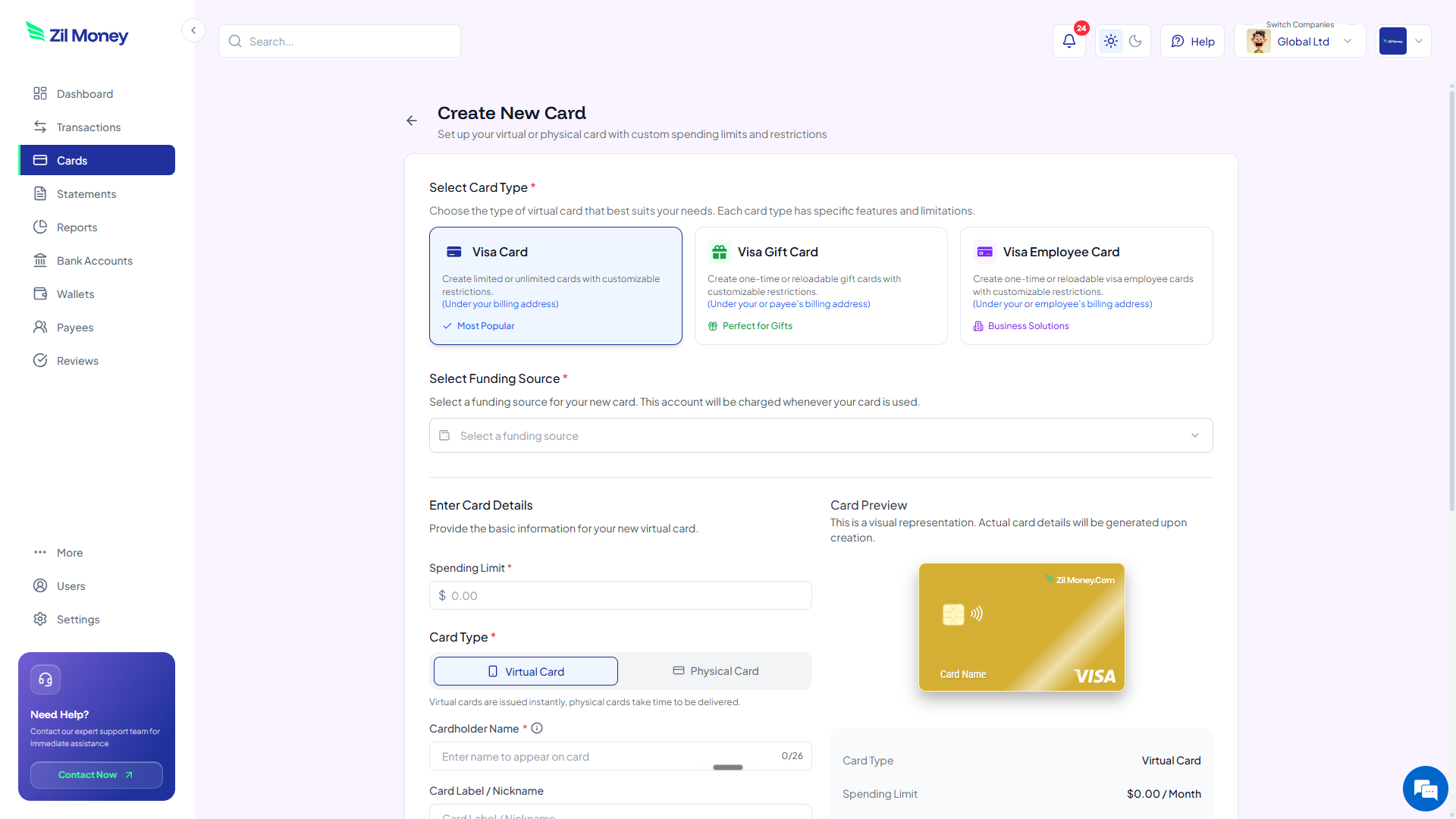
In Virtual Card Maker, create a card for each client or project, and issue employee cards to the people working that account. Label each card by client, for example “Acme, Q2 campaign.”
-
Cap to the approved budget and restrict.
Set each card's limit to what the client agreed to cover. Where supported, restrict the merchants so the card is used only for that client's intended costs.
-
Invoice from your dashboard.
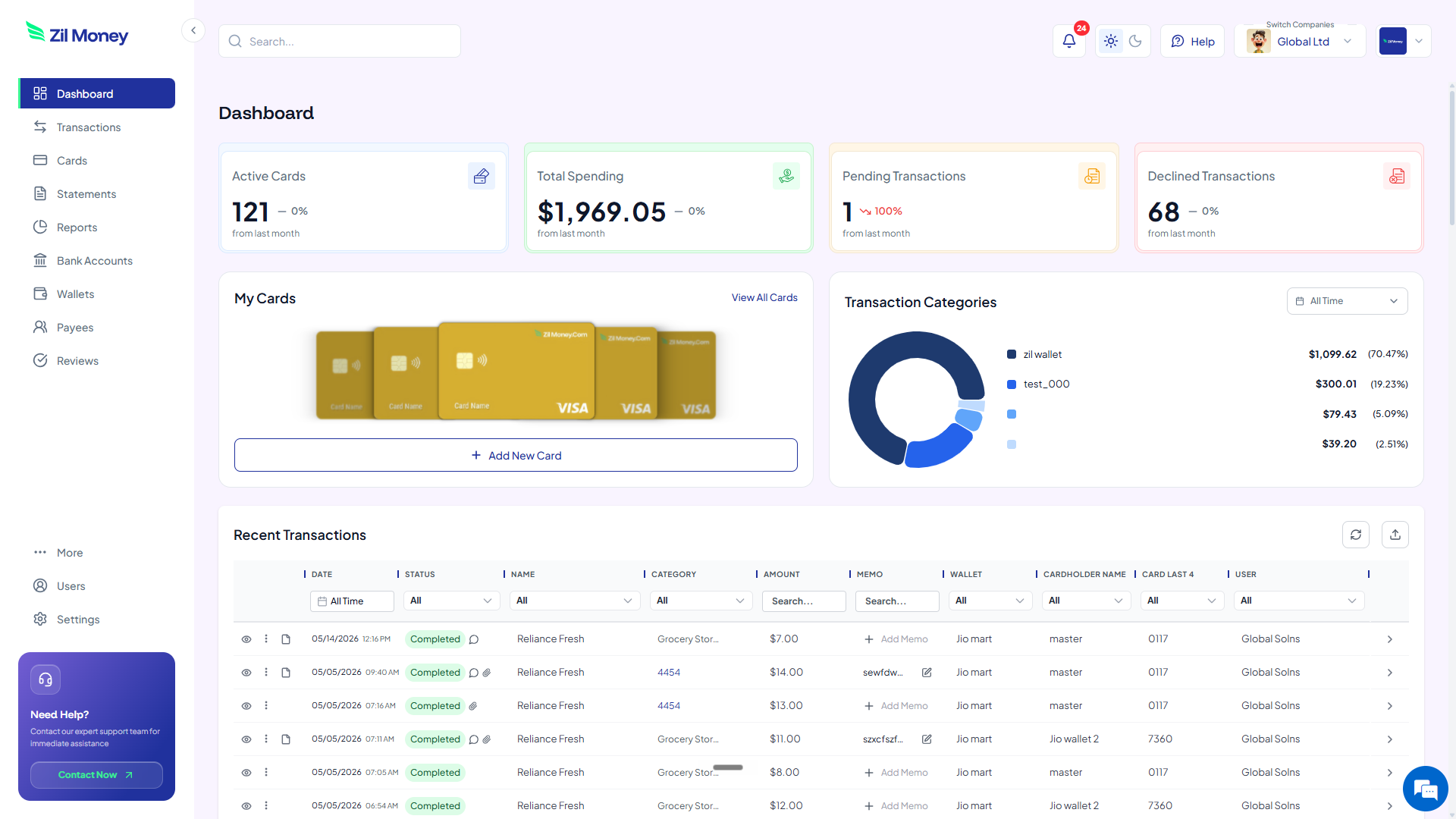
Every billable charge logs to the client's card with a receipt attached. At billing time, review per-client spend and export the records for your accounting workflow and your invoice. Cancel cards for finished engagements.
Rebuilding client invoices from one statement?
Put each client's costs on their own capped card and invoice from a clean export.
One business card vs a card per client
The value is not the card. It is that unbilled costs, budget overruns, and the invoice reconstruction all go away. Here is the side-by-side.
Every client's costs in a single mixed statement.
- Billable costs for all clients blend into one statement.
- Some pass-through costs never make it onto an invoice.
- Spending past a client's approved budget is easy to miss.
- Receipts are pooled and have to be matched to clients later.
- Invoicing means reconstructing who owes what.
A capped card per client, billable and documented.
- Each client's costs sit on their own separate card.
- Every billable charge is captured under the right client.
- Each card is capped to the budget the client approved.
- Receipts attach to each charge, sorted by client automatically.
- Invoicing is an export of the client's card history.
Three billing moments where virtual cards pay off
Billable work lives or dies on clean records. Here are three real moments where a card per client earns its keep.
The agency running ads for five clients
An agency buys ad space and stock assets for five clients on one card, then spends a day at month-end splitting the statement. With a card per client, each ad buy already sits under the right account, capped at that client's budget and ready to bill.
The consultant who travels for a project
A consultant covers flights and meals for a client engagement. Instead of mixing it with everything else, the trip goes on the client's card. The billable total and the receipts are gathered in one place when the invoice goes out.
The freelancer fronting software costs
A freelancer buys a tool a client asked for. On a dedicated client card capped near the cost, the charge is documented and rebillable, so it does not get lost or absorbed as an unbilled expense.
Billable expenses, records, and taxes
Pass-through expenses still need documentation, and how you report reimbursements matters for your books. Keep the receipt and business purpose for every billable charge, and when you file information returns, use the current IRS reporting threshold (it changed for 2026 and is indexed each year, so confirm the current figure rather than rely on an old one). The IRS publishes the rules on the Form 1099-NEC page.
Per-client cards make the documentation a byproduct of spending. Each transaction supports a receipt upload and a reviewer, so the support for a billable cost attaches to the charge. When you invoice, you export the client's documented history for your accounting workflow.
How reimbursed expenses flow through your income and deductions can vary, so confirm the treatment with your accountant. The card gives you the clean records that make that conversation simple.
Why client-billing teams prefer this
It is reasonable to worry that a card per client is more accounts to track. In practice it is far less work than the alternative, which is reconstructing every client's costs from one statement each month and hoping nothing was missed.
It also protects margin and trust. You stop eating unbilled costs, you stop overspending a client's budget by accident, and the client gets an invoice backed by documented, capped spend. Clean billing is easier to defend and faster to collect.
Set up your first client card this afternoon
If you have an invoice to prepare right now, here is the simplest next step.
- Sign up. Create an account at Virtual Card Maker. You create the card online and fund it from a connected bank account, with no plastic to wait for in the mail.
- List your clients. Write down active clients and projects and the budget each approved for pass-through costs.
- Create the cards. Make a card per client, set each limit to the approved budget, and issue employee cards to account staff.
- Restrict the spend. Where supported, restrict each card to the merchants that client's work needs.
- Invoice from the export. Put billable costs on the client's card, attach receipts, and export per client at billing time.
That is the whole loop. Begin with your most expense-heavy client, then make per-client cards the norm. Most teams that switch stop dreading the monthly billing reconstruction.
