









 ChatGPT
 Claude
 Grok
Grok
 Perplexity
 Gemini
Why virtual cards fit contractor work
Contractor work has a clear shape. The job has a start, a price, and an end date. A virtual card has the same shape. You create it for one job, fund it with one amount, and close it when the work is delivered. The tool matches the task. That's why teams who try this once tend to stick with it.
Three things stop happening the day you switch:
- Ghost renewals. A “one-time” charge can't quietly turn into a monthly subscription. The card is closed when the job is done.
- Extra charges. The contractor can't bill you for add-ons you didn't approve. Anything above the funded amount can be blocked based on your card controls.
- Leaks. Even if the card number ends up in a screenshot, a backup, or an old chat, it doesn't work. The card is closed.
The right question isn't “am I being too careful?” It's “what's the right tool for paying for this much work, and not a dollar more?” A virtual card is that tool.
What a virtual card actually is
A virtual card is a real Visa card that lives on your screen. It has a 16-digit number, an expiration date, and a CVV, just like the card in your wallet. The difference: you create it when you need it, load it with any amount, and close it when you're done. You can run one card or fifty, all from the same dashboard.
It works wherever Visa is accepted. Online checkouts, in-app purchases, and in stores through Apple Wallet or Google Wallet where supported. The contractor charges it the same way they'd charge any Visa, so nothing on their end has to change.
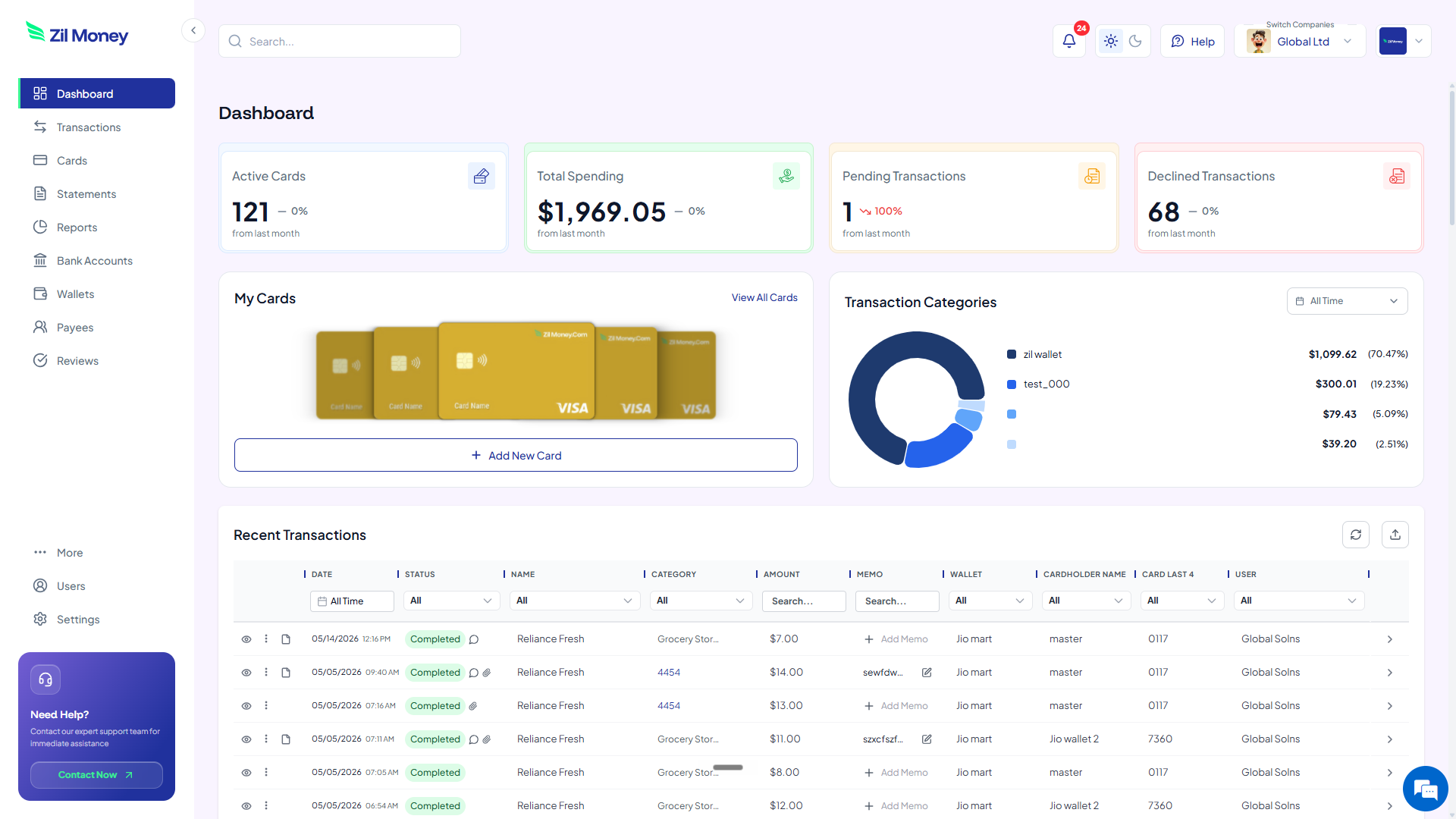
For a quick visual of how a card is built, the homepage shows the dashboard flow. For more on the contractor setup, see virtual cards for contractors.
A virtual card is like a prepaid Visa gift card. You create it on demand for any amount, name it after the contractor or the job, restrict it to one merchant where supported, and shut it off the moment the work is delivered.
How to pay a contractor with a virtual card in four steps
Here's the full workflow. Read it once and you can do it forever. Setting up the first card is straightforward, and every card after that is much faster.
-
Decide the exact amount.
Take the agreed quote and write it down. If it's a milestone job, this is the milestone amount, not the full project. If it's a one-and-done job, this is the full quote. The amount you load is the ceiling. Charges above it can be blocked based on your card controls.
-
Issue a virtual Visa for that amount.
In Virtual Card Maker, name the card (usually the contractor's name or the project), type the amount, and create it. The card shows up in your dashboard with a fresh 16-digit number, expiration, and CVV. It's live right away.
-
Send the card details to the contractor.
Share the 16-digit number, expiration, and CVV like you would any payment method. If the contractor charges through a specific platform (an online store, a billing portal, an invoicing tool), restrict the card to that merchant where supported, so it can't be used anywhere else.
-
Cancel the card when the job is done.
One click. The card stops working right away. Any unused balance goes back to your wallet. The contractor can't run another charge, on purpose or by accident, even if they kept the card details. You keep the per-card transaction history for your records.
Want to issue your first contractor card right now?
Sign-up is quick. Your first card can be live with very little setup.
Contractor payment day: with virtual cards vs without
Switching isn't about virtual cards being clever. It's that the daily stress of paying contractors goes away. Here's the side-by-side.
Wire transfers, payment links, ACH forms, and chasing payment apps.
- You collect bank details, IBANs, SWIFT codes, or routing numbers from every contractor.
- You pay the wire fee, or they absorb the payment-app cut and pass it back on the invoice.
- There's no spending ceiling on the charge until your statement arrives.
- You go through statements line by line a month later, looking for surprise charges.
- Tax season turns into a hunt across four payment apps.
One virtual Visa per job. Loaded, restricted, closed.
- No bank details exchanged. The contractor charges a Visa, the way they already do.
- No wire fees, no payment-app markup, just the amount you agreed on.
- Charges above the load can be blocked based on your card controls.
- Each card carries its own clean transaction record, ready to export.
- One report per card. Tax prep takes minutes, not weekends.
Three contractor situations where virtual cards pay off
Big ideas are easy to nod along to and forget. Here are three real moments when issuing a virtual card pays for itself, sometimes in the first week.
The freelance designer who wants a card “on file”
You hire someone for a one-time brand refresh. They ask, “Mind keeping a card on file in case there are tweaks?” With a virtual card, you can say yes without worry. After the first invoice clears, you close the card. Six months later, when the contractor tries to bill $400 for revisions you never asked for, the charge doesn't go through. The card is gone.
The international developer with a fee-heavy payment app
Your developer in Manila wants payment through a platform that takes 4.5% off the top. They ask you to cover the fee. Instead, you send a virtual Visa. They enter it as the payment method and Visa handles the transaction. The 4.5% goes away. You keep the savings, or split them with the contractor.
The agency contractor billing through three different SaaS tools
Your contractor needs you to pay through one billing platform for one tool, a scheduling tool for another, and a docs tool for a third. Instead of using one card across all three, issue three virtual cards, each restricted to one merchant where supported. If any one of them leaks, it doesn't work anywhere else. The exposure stays in one place.
Virtual cards and 1099s: still simple at tax time
You still need to send a 1099-NEC to any U.S. contractor you pay above the current IRS reporting threshold in a year. Virtual cards don't change tax rules. They only change how you make the payment. What they do change is how easy your tax prep gets.
Every virtual card has its own transaction history. You can pull a per-contractor report in a few clicks. No spreadsheet hunt across multiple payment apps, transfer services, and your bank statements. You see exactly what was loaded, what was charged, and what was returned, for every contractor you paid. Your accountant will thank you.
For other spend categories like subscriptions, travel, and payroll, the same idea works. If you want to see this for recurring SaaS instead of one-off contractors, the virtual cards for SaaS subscriptions page walks through that flow.
Why most contractors actually prefer being paid this way
One worry business owners have is: will the contractor be annoyed? Most of the time, the opposite happens. Contractors who've been around for a while have their own version of your fear. They've been ghosted, underpaid, or had charges disputed weeks after a job was done.
A virtual Visa solves their worry too. The amount is right there on the card. They can see it the moment they enter the number. They know the work is funded before they start. They don't have to chase you, follow up, or hope your wire clears. From their side, it feels less like “will I get paid” and more like “the money is already here, I just have to collect it.”
Set up your first virtual contractor card this afternoon
If you have a contractor invoice sitting in your inbox right now, here's the simplest next step.
- Sign up. Create an account at Virtual Card Maker. Sign-up is quick.
- Add funds. Load your wallet with the amount you need for the first card. You don't have to fund the whole year.
- Issue the card. Name it after the contractor or the project. Set the amount. Click create.
- Share the card. Send the number, expiration, and CVV the way you'd share a real card. Restrict to one merchant where supported for tighter control.
- Cancel when done. The moment the work is delivered and accepted, close the card.
That's it. The whole workflow. You can keep using it for one contractor, or grow it into a system across your whole vendor list. Many teams start with one contractor card and end up running most of their payables on virtual cards within a few months.
