









 ChatGPT
 Claude
 Grok
Grok
 Perplexity
 Gemini
Why virtual Visa gift cards beat closed-loop and paper
Most teams default to one of two things when it's time to send a holiday gift, a spot bonus, or a thank-you: a closed-loop card from a single retailer, or a paper check. Both have specific failure modes. The retailer card forces the recipient to shop somewhere they may not want to. The check takes a week and requires a bank account. A virtual Visa gift card avoids both.
Three things stop happening the day you switch:
- Wrong-retailer regret. A $50 card from a specific store is a $50 card if the recipient shops there. If not, it sits in a drawer. A Visa gift card is spendable anywhere Visa is accepted.
- Checks that take a week. Direct delivery is by email. The recipient sees it the same day you send it.
- Manual one-off card buying. No physical cards to source. No spreadsheet-to-store trip with a stack of envelopes.
What a virtual Visa gift card actually is
A virtual Visa gift card is a real Visa card delivered by email. It has a 16-digit number, an expiry, and a CVV. The recipient can use it online, in apps, or in store through Apple Wallet or Google Wallet. They don't need to install an app, register an account, or share any personal banking detail.
From your side, each card has its own funding amount, the recipient's name, and a transaction history you can pull at any time. Reissue or top up is one action. The card lifecycle stays in your dashboard, not in the recipient's.
One Excel sheet. One upload. One per-recipient Visa, delivered by email. No printing, no envelopes, no physical card stock to source. Holiday, spot bonus, referral reward - the rail is the same.
How to send bulk gift cards in four steps
This is the full workflow. The first batch is the slowest to set up, and every batch after that is much faster.
-
Prepare the recipient sheet.
Build an Excel file with one row per recipient: full name, work email, and the gift amount. Add a column for an optional message if you want a personal note in the delivery email. That's it.
-
Upload the sheet.
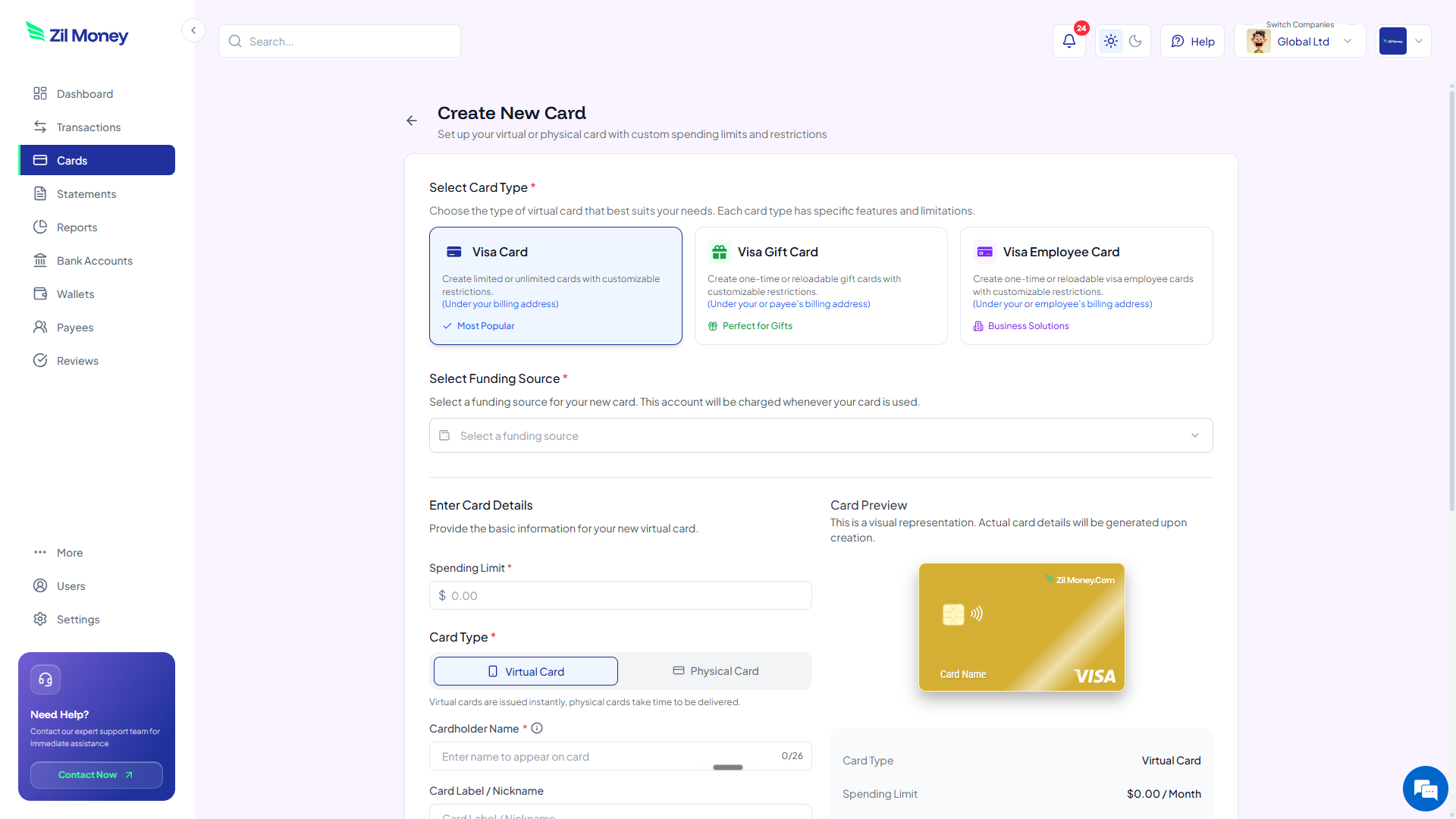
In Virtual Card Maker, choose the bulk gift card flow, upload the sheet, and pick the funding source. You'll see one row per recipient with the amount and email about to be sent.
-
Confirm and send.
Funds move from your wallet to each card. Every recipient gets an email with the card number, expiry, CVV, and (if you added one) your message. Adding to Apple or Google Wallet is one tap on their end.
-
Track redemption.
The dashboard shows which cards were funded, which were opened, and how much has been spent. If a recipient changed email or never received the delivery, you can reissue without re-funding.
Sending a team gift this month?
Sign-up is quick. Your first bulk run can be in inboxes as soon as you confirm.
Bulk gifting: virtual Visa vs closed-loop or paper
The win isn't aesthetic. It's that the recipient gets to choose where they spend, and the sender doesn't have to manage card stock. Here's the side-by-side.
Retailer-specific cards in envelopes, or checks in the mail.
- Recipients use it where you picked, not where they'd choose.
- Physical card stock and shipping for every campaign.
- Checks need bank accounts and clear over days.
- No redemption visibility once envelopes leave the office.
- Reissue for a wrong-address recipient means a new physical card.
One Excel upload, every recipient gets a Visa by email.
- Spendable anywhere Visa is accepted. The recipient chooses.
- No card stock. Delivery is by email or push to mobile wallet.
- Recipients see the card the same day you send it.
- Redemption dashboard shows funded, delivered, opened, spent.
- Wrong email? Reissue in one click without re-funding.
Three gift moments where bulk Visa pays off
Most teams send team-wide gifts more than once a year. Here are three where switching off paper or retailer cards earns its keep.
The 200-person holiday gift
Two days before holiday close, you decide to send a $100 gift to every employee. Sourcing 200 physical cards in two days is a logistics problem. Uploading a 200-row Excel sheet is not. Every recipient has the card in their inbox before the office closes for break.
The customer referral reward
You promised a $50 referral reward to customers who introduce a new account. Mailing 50 physical cards every quarter is a small ongoing tax on the team. A weekly bulk run from a referral export turns it into a one-line operation that runs itself.
The spot bonus for a launch team
A team ships a launch on a Friday. You want to recognize eight people with a $250 thank-you that lands the same day. A Monday check doesn't match the moment. A Friday afternoon bulk run does.
Gift cards and W-2 reporting: the part you don't want to miss
This is the section most gift card guides skip. It matters. The IRS does not treat cash or cash-equivalent employee gifts as a de-minimis fringe benefit. A $25 retailer gift card and a $1,000 cash bonus are treated the same: taxable income to the employee, reportable on W-2 wages, and subject to payroll tax.
That doesn't mean don't send the gift. It means coordinate with payroll before you do. Most teams either gross up the gift so the recipient takes home the intended amount net of tax, or route the value through the next payroll cycle so the W-2 treatment is automatic. Either is fine. Skipping the W-2 entirely is not. For customer rewards or non-employee recipients, the treatment is different (usually 1099-MISC for U.S. recipients above the threshold) - check with your accountant.
The recipient experience, and why it changes engagement
A gift that lands in an inbox during the workday lands when the person can actually feel it. A gift that arrives in a sealed envelope six days later, in a mail pile, often doesn't. The most-cited reason people switch their team-gift rail to virtual Visa isn't the cost. It's the time-to-feeling. The gift arrives at the moment you sent it.
Add a one-line personalized message in the delivery email. Don't make people parse a generic system email to figure out the gift is real. The card is the gift, but the message is what makes it a moment.
Send your first bulk gift run this afternoon
Pick the smallest list you can. A six-person team thank-you is the right first batch.
- Sign up. Create an account at Virtual Card Maker. Sign-up is quick.
- Build the sheet. Name, work email, gift amount, optional personal message. Save as Excel or CSV.
- Upload and review. Verify the row count, the total, and the funding source.
- Send. Recipients see the card in their inbox the same day.
- Loop in payroll. Note the value for the W-2 treatment if recipients are employees. Treat customer rewards separately.
That's the loop. One sheet, one upload, one inbox per recipient.
