Issue virtual Visa cards quickly. Sign up →
Card type · Visa virtual card

Visa virtual card

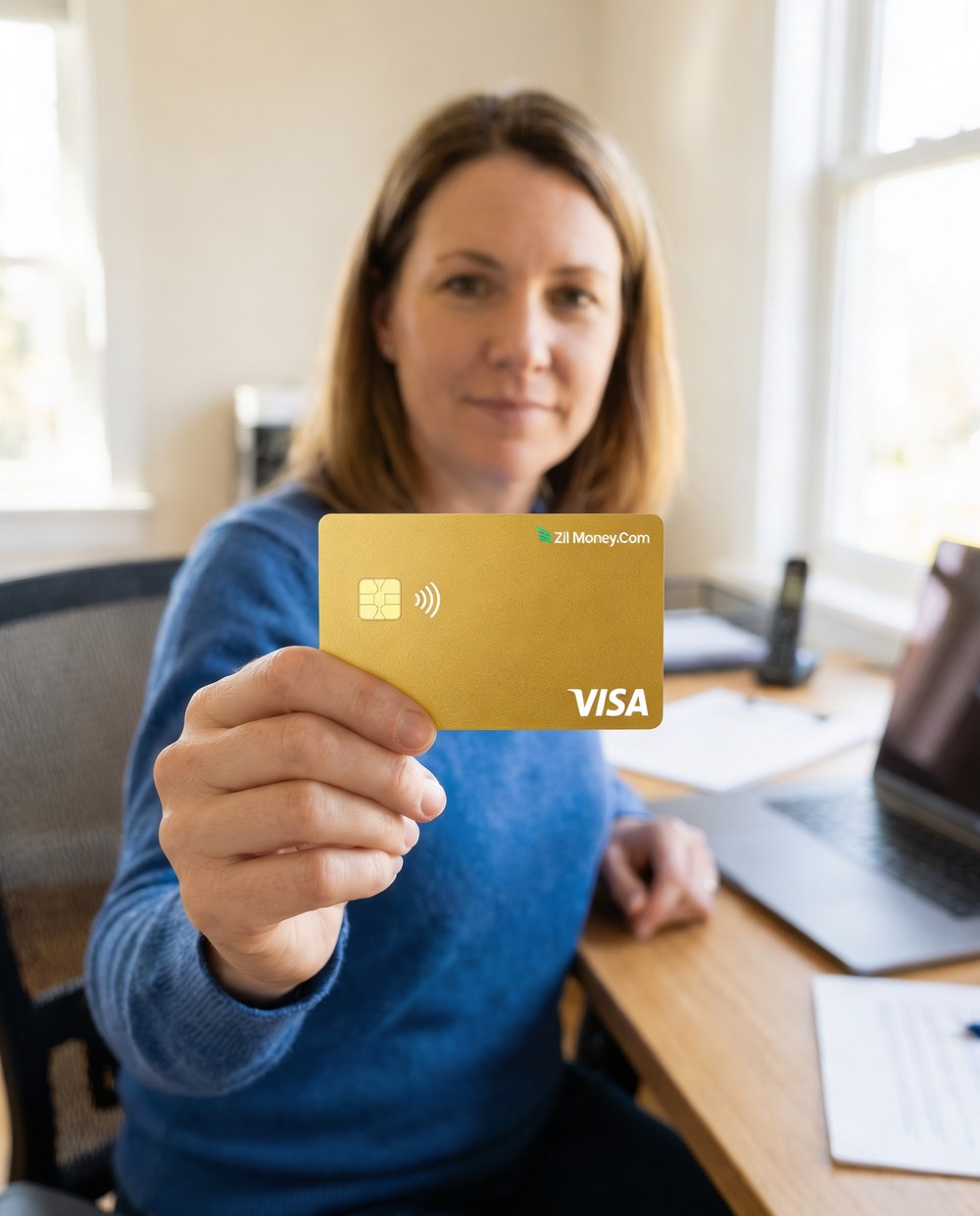
A 16-digit Visa card you create online for purchases and subscriptions. Set the spending limit, choose virtual or physical, and use it wherever Visa is accepted.

Issue quickly Apple & Google Wallet Bulk via Excel or API

Virtual Card Maker - Powered by Zil Money. Zil Money is a financial technology company, not a bank. Banking services are provided by our partner bank, Member FDIC. FDIC insurance applies only to eligible products with funds held at the partner bank, subject to applicable limits and requirements.

PCI DSS aligned
ISO 9001 Quality Management Certified
ISO 20000 IT Service Management Certified
ISO 27001 Information Security Management Certified
Aligned with NIST SP 800-53 controls
The problem

Why hand your main card number to every website?

Most people pay for everything with one card number. That one number sits in dozens of merchant databases.

  • One number, everywhere. The same digits pay for streaming, software, and shopping. One breach exposes all of it.
  • No spending ceiling per merchant. A site you trusted once can charge any amount later. You find out on the statement.
  • Hard to cancel cleanly. To stop one merchant you cancel the whole card, then re-enter the new number everywhere else.
How we fix it

Create a separate Visa virtual card for each thing you buy.

A virtual Visa card has its own 16-digit number, expiry, and CVV. You make one online and spend from your funded wallet.

  • A real Visa number. It works in any standard checkout that accepts Visa. The merchant sees an ordinary Visa card.
  • Set a spending limit. Cap each card at the amount you expect to spend. Charges over the cap can be blocked based on your controls.
  • Virtual or physical. Virtual cards are issued online. Physical cards ship by USPS for in-person use.
  • Cancel from the dashboard. Done with a card? Cancel it and future charges stop clearing. Your other cards keep working.
How it works

How to create a Visa virtual card.

  1. Fund your wallet. Add funds to your Zil Money wallet by ACH or wire. The wallet holds the balance until you spend it.
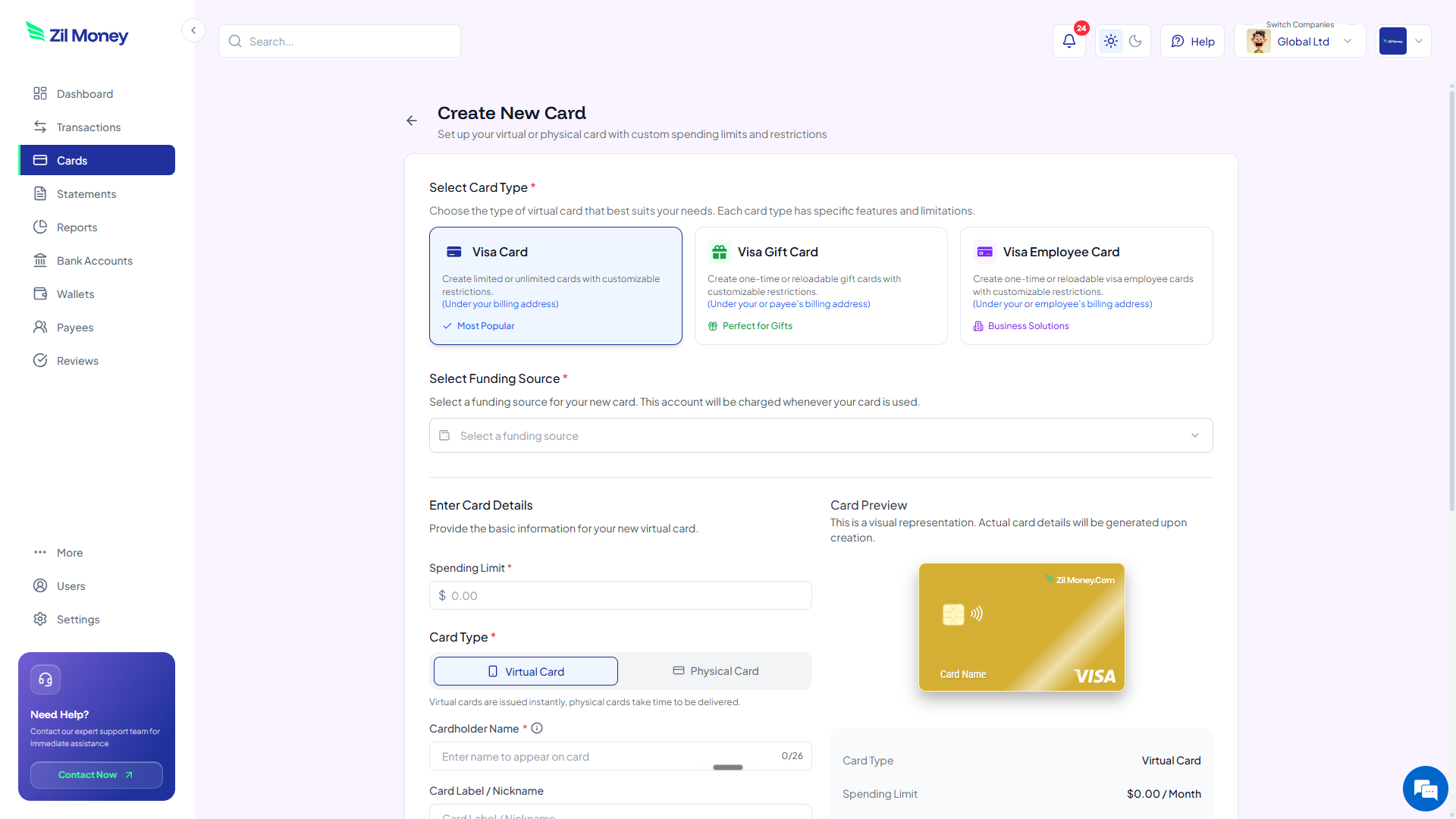
  2. Open the create-card form. Pick the Visa card type and choose virtual or physical.
  3. Set the limit and name. Enter a spending limit and the cardholder name printed on the card, up to 26 characters.
  4. Start spending. Use the 16-digit number at checkout, or add the card to Apple Wallet or Google Wallet where available.
See it in action

Every Visa card you create, in one dashboard.

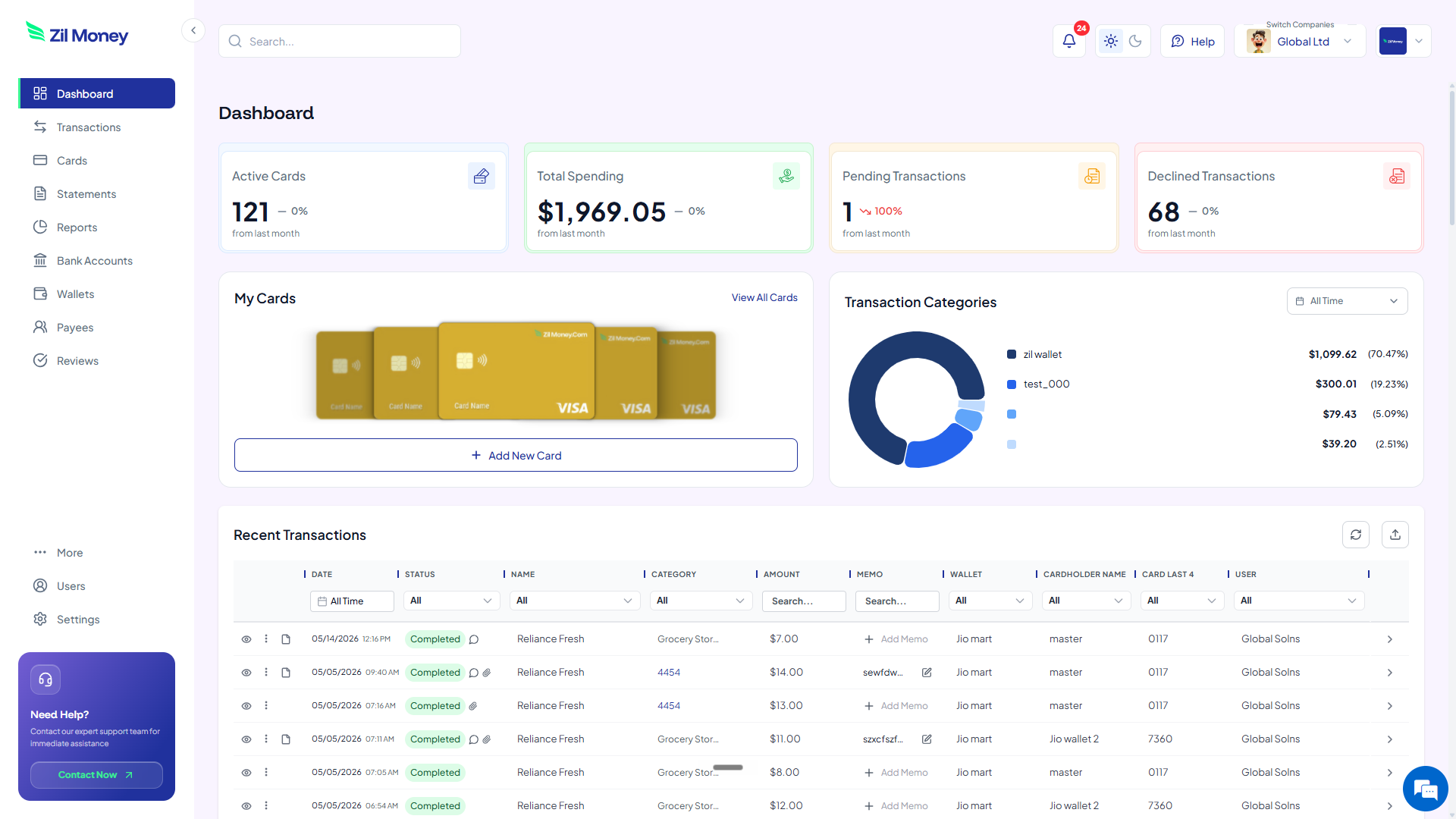
See active cards, total spend, and every charge as it posts. Issue, adjust, or cancel any card from the same screen.

Virtual Card Maker dashboard showing active Visa virtual cards, total spending, and recent transactions
Live dashboard Active cards, total spend, pending and declined charges, and every transaction as it happens.
Create New Card form in Virtual Card Maker with a Visa card type, spending limit, and virtual or physical option
Create a card in minutes Choose Visa, set the limit, pick virtual or physical, and name the card.
Controls

What you can set on a Visa virtual card.

ControlWhat you setWhy it matters
Spending limitA dollar capCharges over the cap can be blocked based on your controls.
Virtual or physicalCard formatSpend online right away, or ship a physical card for in-person use.
Merchant restrictionIntended merchantRestrict the card to where you plan to use it, based on supported controls.
Time restrictionActive windowSet a start and end date so the card is only live when you need it.
Cardholder nameUp to 26 charactersThe name printed on the card face.
In practice

Three ways people use a Visa virtual card.

Online shopping

Make one card for online stores with a set limit. If the number leaks, your other cards are untouched.

Subscriptions

Give each subscription its own card capped at the plan price. A surprise upgrade gets blocked.

One-time purchase

Create a card for a single purchase, then cancel it. Nothing can charge it again.

See how teams use cards for SaaS subscriptions, vendor payments, and expenses.

FAQ

Common questions.

What is a Visa virtual card?+
It is a 16-digit Visa card you create online instead of carrying a plastic one. It has its own number, expiry, and CVV, and is funded from your Zil Money wallet.
Where can I use a Visa virtual card?+
Wherever Visa is accepted. The card works in standard online checkout, and you can add it to Apple Wallet or Google Wallet where available.
Do I need to carry a plastic card to use it?+
No. A virtual Visa card lives in your dashboard and your mobile wallet. It is funded from your Zil Money wallet, and you spend from it up to the limit you set.
Can I get a physical version of the card?+
Yes. Choose the physical option when you create the card and it ships by USPS. A standard shipping fee applies.
Can I cancel a card I no longer need?+
Yes. Cancel the card from your dashboard and future charges stop clearing. Your other cards keep working as normal.

Create your first Visa virtual card.

Get started online. Fund your wallet, set a limit, and create a card you can use wherever Visa is accepted.