Issue virtual Visa cards quickly. Sign up →
Card type · Gift card

Virtual Visa gift cards

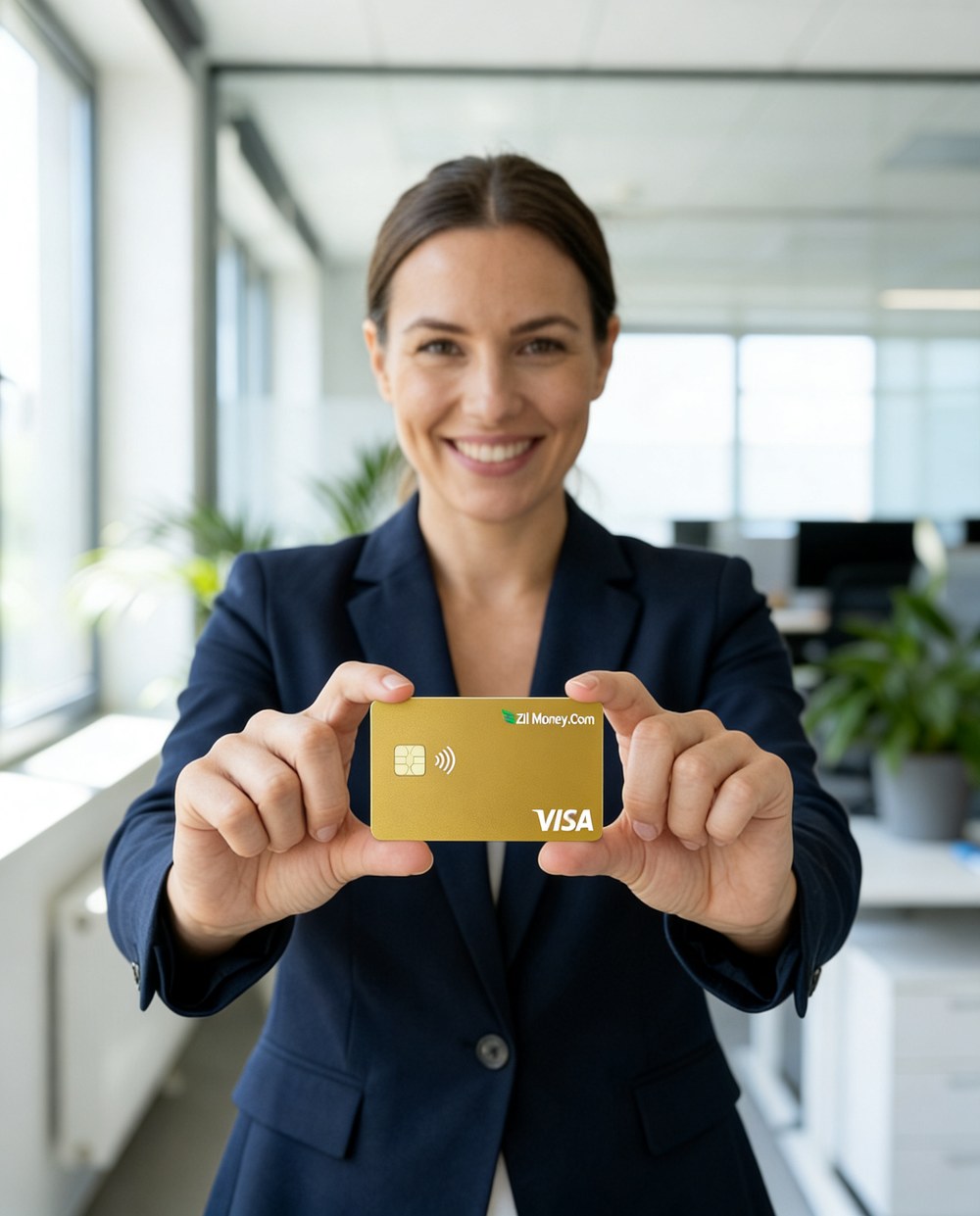
Send virtual Visa gift cards for customer rewards, client thank-yous, rebates, or staff recognition. Issue one or a batch, deliver a secure link by email, and let recipients spend wherever Visa is accepted.

Issue quickly Apple & Google Wallet Bulk via Excel or API

Virtual Card Maker - Powered by Zil Money. Zil Money is a financial technology company, not a bank. Banking services are provided by our partner bank, Member FDIC. FDIC insurance applies only to eligible products with funds held at the partner bank, subject to applicable limits and requirements.

PCI DSS aligned
ISO 9001 Quality Management Certified
ISO 20000 IT Service Management Certified
ISO 27001 Information Security Management Certified
Aligned with NIST SP 800-53 controls
The problem

Physical gift cards are slow and easy to lose.

Buying, storing, and mailing plastic gift cards adds cost and delay to every reward you send.

  • Mailing takes time. A physical card has to be bought, addressed, and shipped before the recipient sees it.
  • Lost cards mean reissues. A misplaced plastic card is gone. Replacing it repeats the whole process.
  • Hard to send at scale. Rewarding a hundred customers means a hundred envelopes.
How we fix it

Send a virtual Visa gift card by email.

A virtual Visa gift card is delivered as a secure link by email. The recipient spends it wherever Visa is accepted.

  • Delivered by email. The recipient receives a secure link by email with instructions to access and use the card.
  • One or many. Send a single gift card, or issue a batch for a campaign or a whole team.
  • Spend wherever Visa works. Recipients use the card online or in store, anywhere Visa is accepted.
  • Set the amount. Issue each card for the reward amount you choose, one-time or reloadable.
How it works

How to send a virtual Visa gift card.

  1. Fund the wallet. Add funds by ACH or wire to cover the gift cards you send.
  2. Add the recipients. Enter each recipient as a payee with an email or phone number. Import a list from Excel for a batch.
  3. Create the gift cards. Pick the gift card type, set the amount, and choose one-time or reloadable.
  4. Send and track. Each recipient gets a secure link by email. Watch which cards are used from your dashboard.
See it in action

Every gift card you send, in one place.

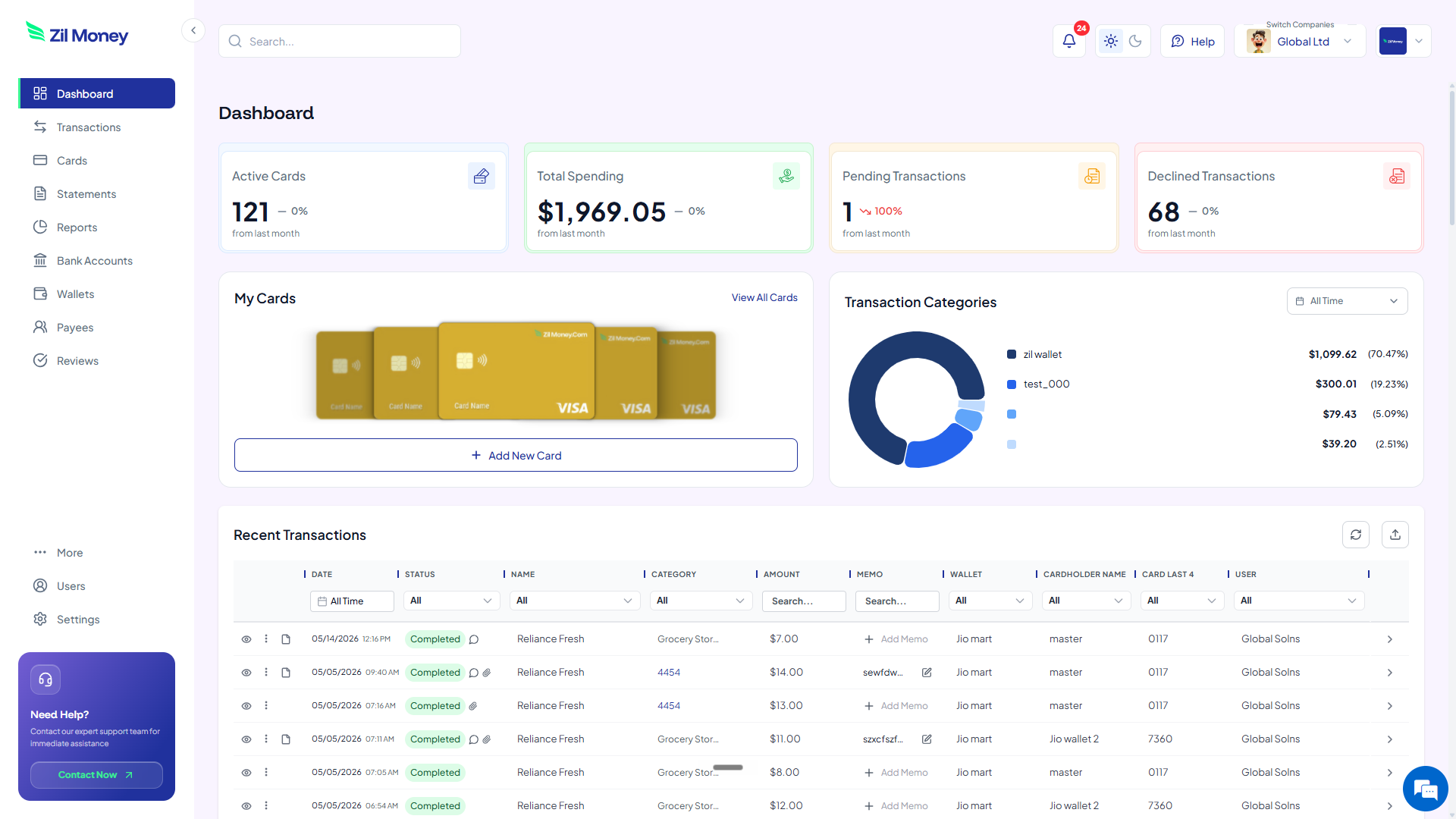
See which cards are issued, used, or still open. Issue, top up, or cancel any card from the same screen.

Virtual Card Maker dashboard showing issued gift cards, amounts, and recent transactions
Live dashboard Cards issued, amounts spent, and the status of every gift card you have sent.
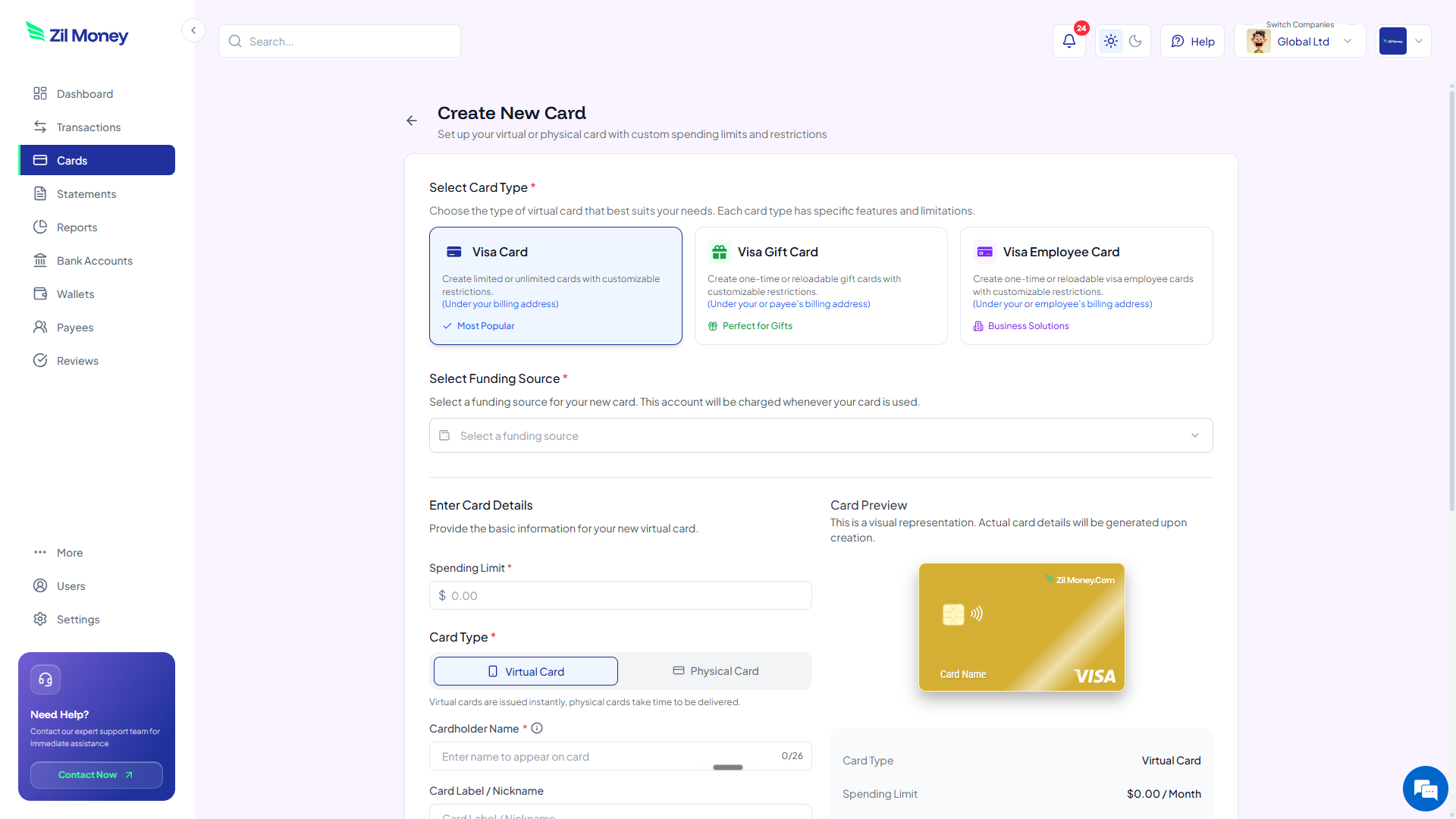
Create New Card form in Virtual Card Maker showing a gift card type, payee, and amount
Send a gift card in minutes Choose the gift card type, set the amount, pick the recipient, and send a secure link by email.
Controls

What you can set on a gift card.

ControlWhat you setWhy it matters
AmountThe reward valueIssue each card for the amount you choose.
One-time or reloadableCard structureSend a single reward, or reload the same card later.
RecipientBy email or phoneEach card is issued to a named payee and delivered by secure link.
Bulk via ExcelA recipient listImport a list to send a batch of gift cards at once.
CancelBefore it is usedCancel an unused card from the dashboard if plans change.
In practice

Three ways businesses use virtual gift cards.

Customer rewards

Send a Visa gift card to customers for referrals or loyalty. They spend it wherever Visa is accepted, no store credit lock-in.

Rebates

Issue a rebate as a virtual gift card instead of a mailed check. The recipient gets a secure link by email.

Staff recognition

Reward staff with a gift card. Gift cards to employees are generally taxable wages, so coordinate W-2 reporting (see IRS Publication 15-B).

Sending to staff specifically? See virtual gift cards for employees and how to send bulk employee gift cards.

FAQ

Common questions.

What is a virtual Visa gift card?+
It is a Visa gift card delivered as a secure link by email instead of a plastic card. The recipient spends it wherever Visa is accepted.
How does the recipient get the gift card?+
The recipient receives a secure link by email with instructions to access and use the card. No bank account is required from them.
Where can the recipient use it?+
Wherever Visa is accepted, online or in store. The card can be added to a mobile wallet where available.
Can I send gift cards in bulk?+
Yes. Import a recipient list from Excel and issue a batch of gift cards at once, each delivered by its own secure link.
Are gift cards to employees taxable?+
Gift cards given to employees are generally treated as taxable wages and reported on the W-2. See IRS Publication 15-B and confirm the handling with your tax advisor.

Send a reward in minutes.

Get started online. Fund your wallet, set the amount, and send a virtual Visa gift card by email.