








 ChatGPT
 Claude
 Grok
Grok Perplexity
 Gemini
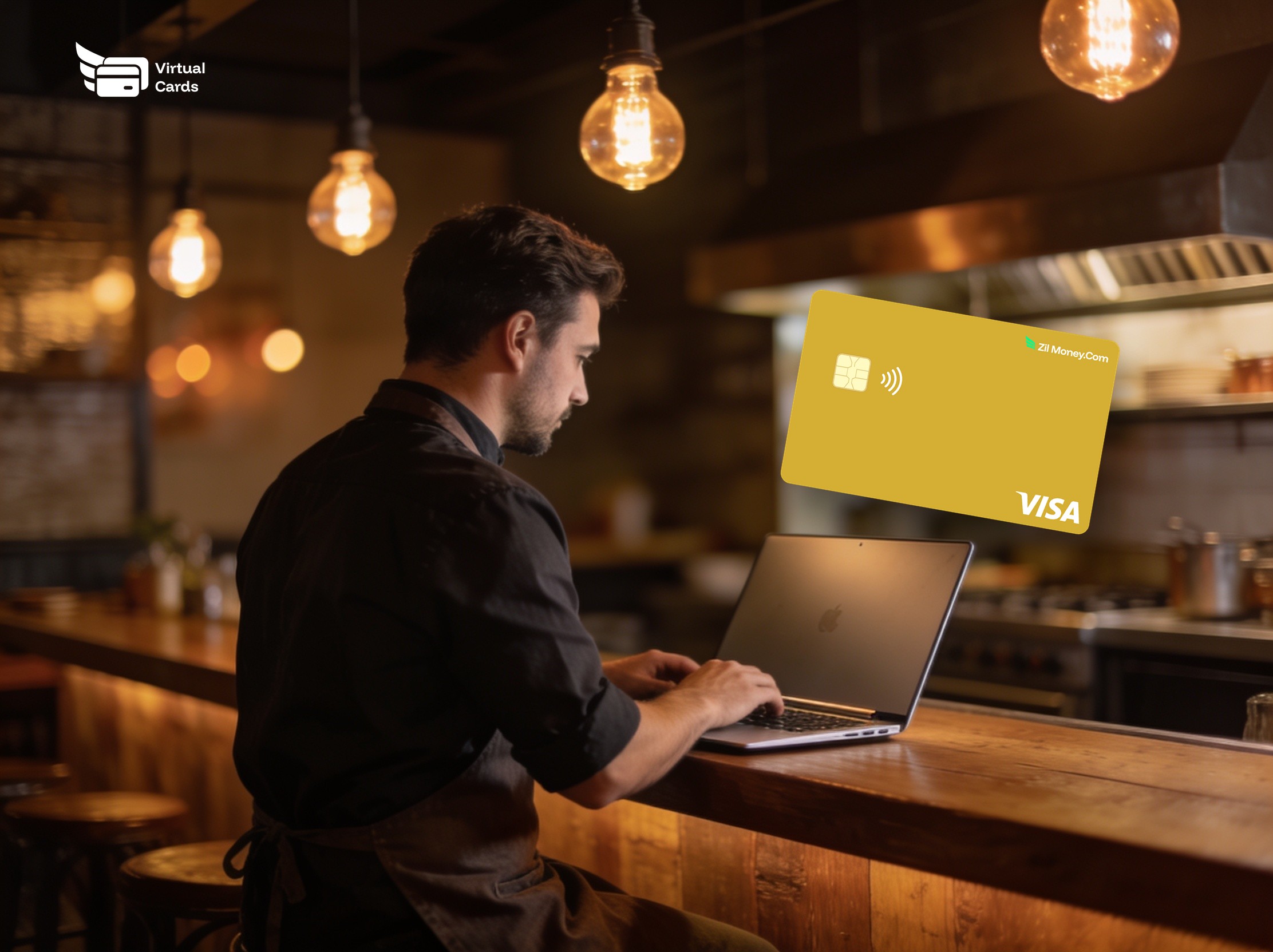
A virtual card for a restaurant is a digital Visa card you issue per supplier, delivery app, or manager, each capped to its expected spend. It works online and, added to a phone wallet, in person. Every charge is tied to one card, so reconciliation is sorting by vendor, not digging through a drawer of receipts.
Why restaurant spend is hard to control
A restaurant pays a lot of people, often in a hurry. Produce arrives one morning, the linen company bills weekly, a fridge breaks on a Friday, and three delivery platforms each take their cut. Most of that runs through one shared card or the owner's personal card, which makes two things hard: knowing what a vendor actually charged, and stopping a charge you did not approve.
The margin for error is small. Industry benchmarks put a restaurant's prime cost — food plus labor — at roughly 60 to 65 percent of sales, so a quiet price creep on a standing produce order is real money by month-end. Virtual cards turn each supplier relationship into its own capped, trackable line.
How a virtual card works for a restaurant
The flow is short:
- Add funds to your wallet.
- Create a card for a supplier or a manager and set its spending limit near the expected order.
- Use the card number for online ordering, or add it to a phone wallet (Apple Pay or Google Wallet) to tap in person where contactless is accepted.
- Watch each charge appear in your dashboard, where you can change the limit or cancel the card.
A card for every supplier
Give each recurring vendor its own card, capped near its normal invoice:
- Produce, meat, and seafood — capped so a mis-keyed order or a price jump above the limit is declined.
- Dry goods and beverages — one card per distributor, easy to match to a delivery.
- Linen, laundry, and cleaning — steady weekly amounts that stay predictable.
- Repairs and equipment — a card you open for a job and close when it is paid.
- Delivery platforms and software — one card per service, capped to the plan, so a fee change hits the cap.
For the wider version of this approach, see how to pay vendors with virtual cards.
Cards your managers can actually use
You do not have to hand a shift manager the company card. Issue a card for a single supply run or a single shift, set a limit, and cancel it afterward. The manager gets what they need to keep service running; you keep the cap and the record. It is the same idea behind giving staff their own spending card, scaled to a busy floor.
What you can control on each card
- Spending limit. Set the cap; a charge above it is declined.
- Phone wallet. Add the card to Apple Pay or Google Wallet to tap in person where contactless is accepted.
- Cancel any time. Close a card from your dashboard and future authorizations stop.
A card is not locked to one merchant, so the real controls are the limit, the small balance behind it, and how fast you can cancel — which is why a card-per-vendor setup keeps any single number low-stakes.
Reconciliation without the shoebox
Because each card carries one relationship, every charge already knows which vendor it belongs to. Month-end stops being a pile of receipts and becomes a sorted list you can export for your bookkeeper or accounting tool. If receipt chasing is your real pain, pair this with stopping the receipt chase and auto-categorizing spend.
People also ask
Can I give each food supplier its own card?
Yes. Create one virtual Visa card per supplier, set a limit near the usual order, and use it for that vendor only. Each card's charges stay separate, so reconciliation and disputes are simple.
Can a manager use a virtual card for a supply run?
Yes. Issue a card with a set limit for a single run or shift, share the details, and cancel it afterward. You keep the cap and the record without handing over your main card.
Do virtual cards work with restaurant delivery platforms?
A virtual Visa works wherever Visa is accepted online, including standard checkout on delivery and ordering platforms. Cap each card to the plan so fee changes hit the limit.
Can I use a virtual card in person at a supplier?
Yes, where the supplier accepts contactless. Add the card to Apple Pay or Google Wallet and tap. For suppliers that bill you on account, use the card number on their payment page instead.
