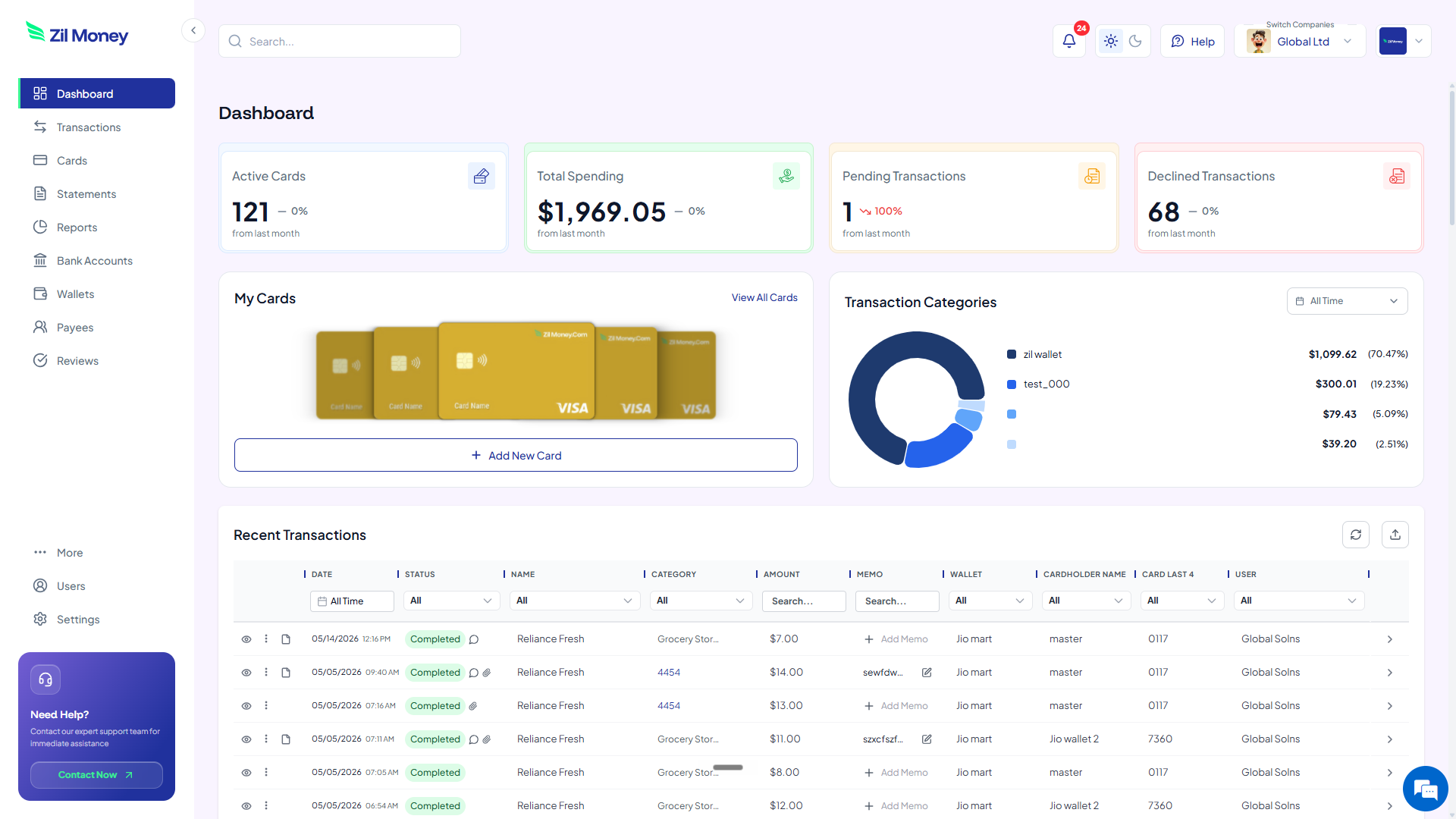
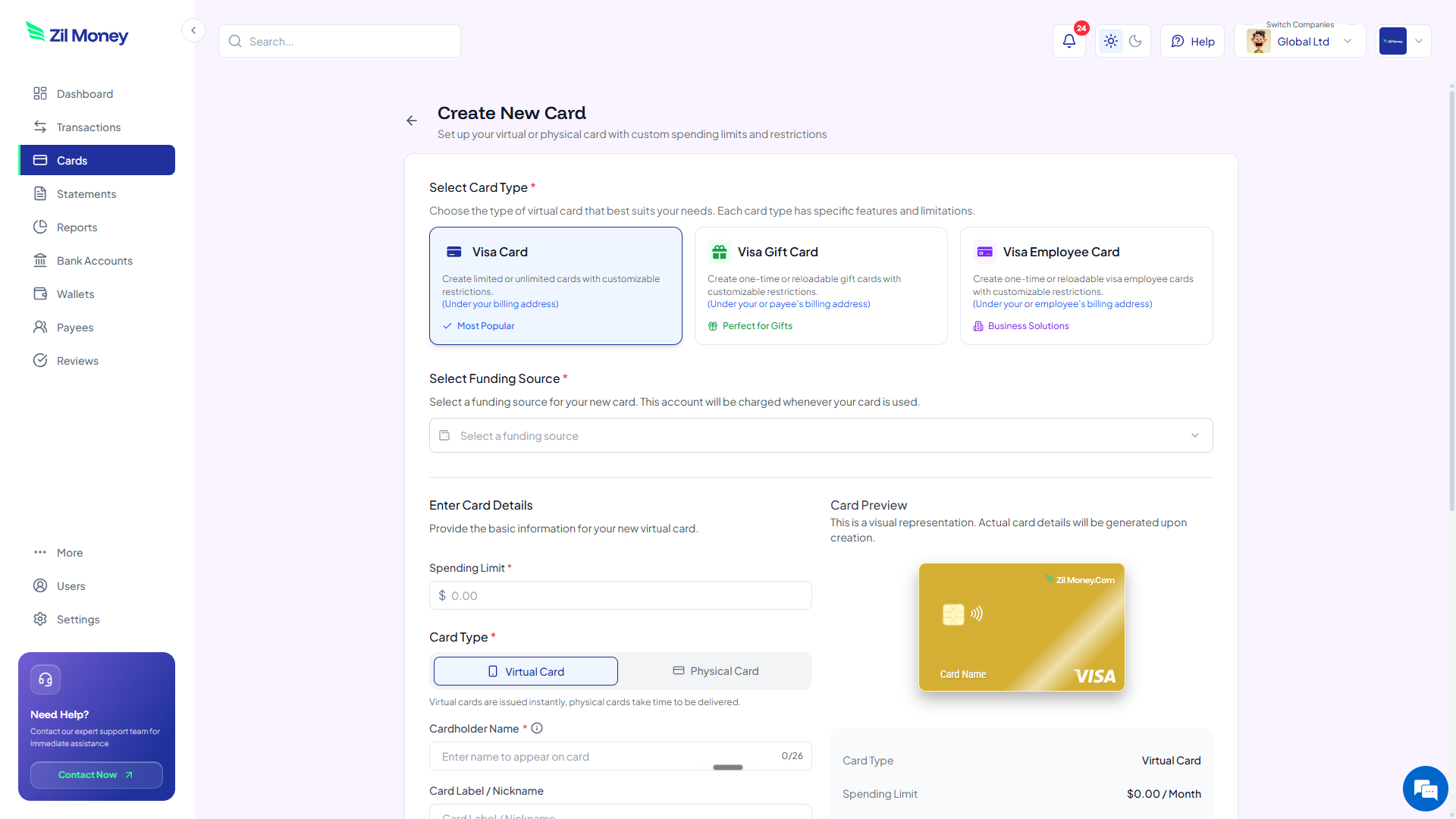
Pay each vendor with its own virtual Visa card. Restrict the card to the intended vendor based on supported controls, cap the spend, and cancel the card when the relationship ends.
Virtual Card Maker - Powered by Zil Money. Zil Money is a financial technology company, not a bank. Banking services are provided by our partner bank, Member FDIC. FDIC insurance applies only to eligible products with funds held at the partner bank, subject to applicable limits and requirements.


When all your suppliers charge the same number, you lose the ability to control any one of them.
A vendor card is a virtual Visa dedicated to one supplier. It carries the budget you agreed to and nothing more.
Watch each vendor's charges post against its own card. Issue, restrict, or cancel any card from the same screen.
| Control | What you set | Why it matters |
|---|---|---|
| Spending limit | The contract amount | Charges over the agreed amount can be blocked based on your controls. |
| Merchant restriction | The intended vendor | Restrict the card to the vendor based on supported controls, so a leaked number is not useful elsewhere. |
| Vendor label | A reporting tag | Per-vendor spend rolls up in your dashboard and exports. |
| Time restriction | The contract term | Set a window so the card is active only for the life of the agreement. |
| Cancel | Anytime | Cancel the card to stop future charges from clearing. |
A card capped at the monthly invoice. If the supplier bills more than agreed, the extra is declined and flagged.
A card with a small limit and a short active window. If the vendor works out, raise the limit. If not, cancel it.
When you switch suppliers, cancel the old vendor's card. Their next billing attempt does not clear.
Related reading: how to pay vendors with virtual cards and virtual cards for SaaS subscriptions.
Get started online. Create one card per vendor, cap the spend, and end a supplier by cancelling its card.