









 ChatGPT
 Claude
 Grok
Grok
 Perplexity
 Gemini
Why virtual cards fit free trials
A free trial is built to convert. You hand over a card, and the provider charges it the moment the trial ends, whether you remembered to cancel or not. A virtual card flips who is in control. You set the ceiling, not the provider. You hold a card whose limit is too low to carry the paid price, so the trial works but the renewal has nowhere to land.
Three things stop happening the day you switch:
- Surprise renewals. A “free for 14 days” offer can't quietly become a monthly bill, because the renewal charge sits above the limit you set.
- Forgotten trials. A tool you tried once can't drain money for months. You named the card after the trial end date, so it is in plain sight in your dashboard.
- Leaks. Your everyday card number never sits in a service you tried for a week. If the trial card ever leaks, it is capped and can be canceled.
The right question isn't “am I being paranoid?” It's “why should a company I haven't decided to pay yet get to charge the card I use for everything?” A virtual card answers that.
What a virtual card actually is
A virtual card is a real Visa card that lives on your screen. It has a 16-digit number, an expiration date, and a CVV, just like the card in your wallet. The difference: you create it when you need it, set its spending limit, and cancel it when you're done. You can run one card or fifty, all from the same dashboard.
It works wherever Visa is accepted. Online checkouts, in-app purchases, and in stores through Apple Wallet or Google Wallet where supported. A trial sign-up form treats it like any other Visa, so nothing about the sign-up changes except who holds the leverage.
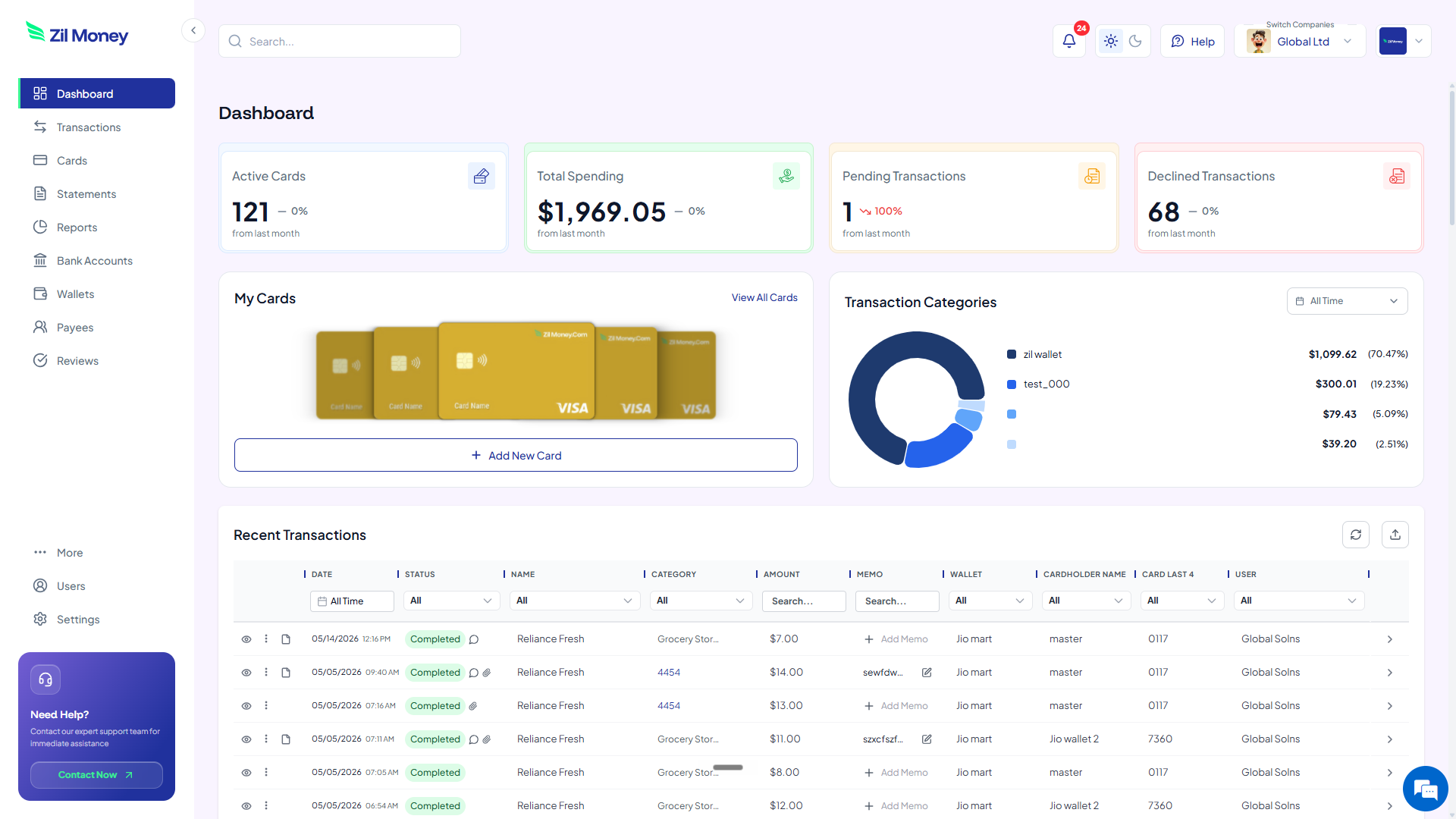
For a quick visual of how a card is built, the homepage shows the dashboard flow. If your trials tend to become ongoing tools, the virtual cards for SaaS subscriptions page covers the next step.
A virtual card is a Visa you create on demand for any limit. Name it after the service and its trial end date, restrict it to that merchant where supported, set the limit below the paid price, and cancel it before the trial converts.
How to use a virtual card for a free trial in four steps
Here's the full workflow. Read it once and you can run it for every trial after. Setting up the first card is straightforward, and every card after that is faster.
-
Set a low spending limit.
Decide the smallest amount the trial needs to start. Many trials only place a small authorization, sometimes a single dollar, before the real charge later. Set the limit low enough that the trial begins but the full paid price sits above the cap. That gap is your safety net.
-
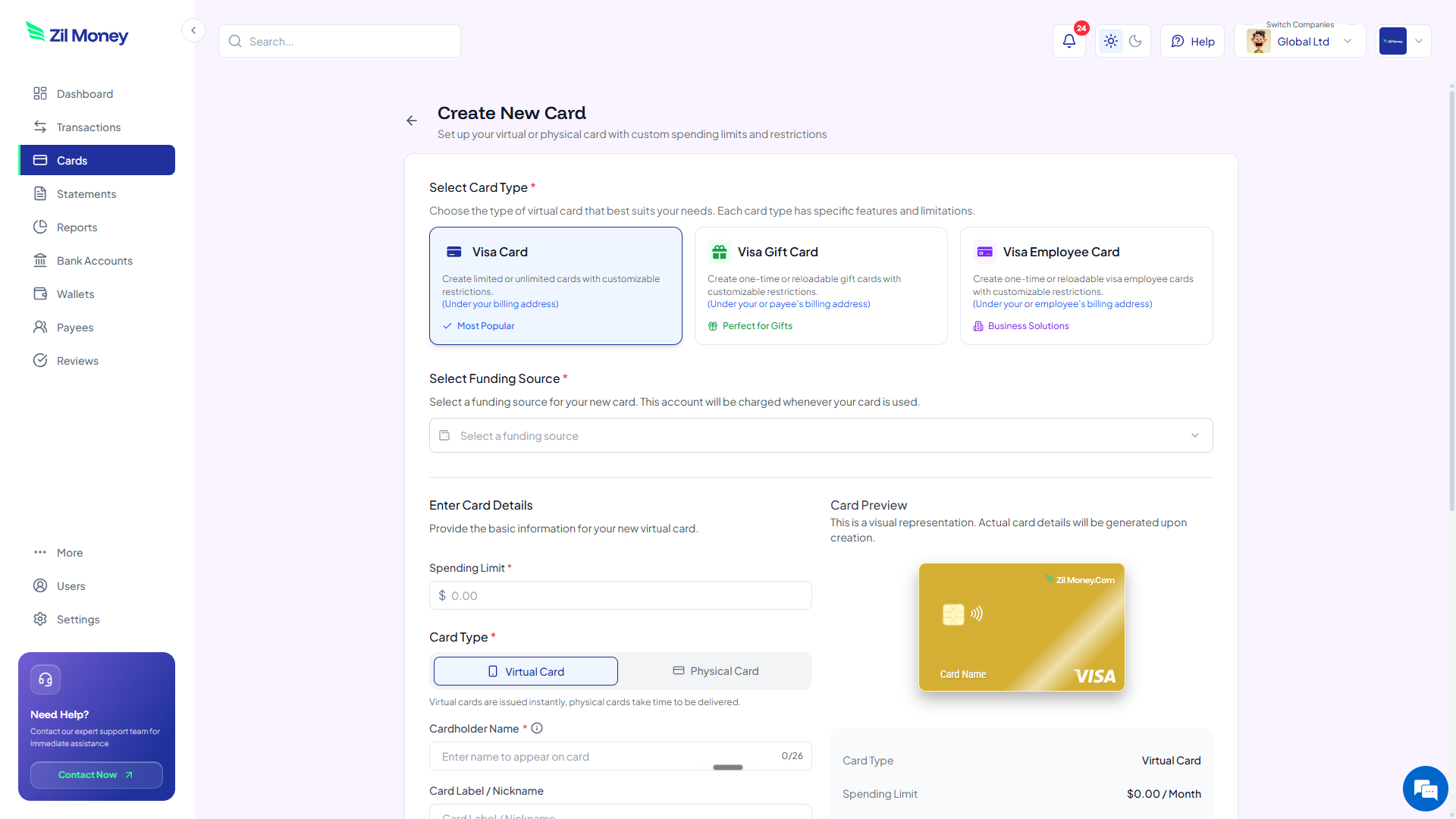
Create the virtual Visa and label it.
In Virtual Card Maker, create the card, set the limit, and name it after the service plus the trial end date, for example “Design tool, ends Jun 11.” The card appears in your dashboard with its own 16-digit number, expiration, and CVV.
-
Enter the card at sign-up and restrict the merchant.
Use the 16-digit number, expiration, and CVV to start the trial like any other card. Where supported, restrict the card to that one merchant, so the number is useless anywhere else if it ever leaks from the provider.
-
Cancel the card before the trial ends.
Before the end date, cancel the trial with the provider and cancel the card from your dashboard, so it cannot be used for new charges. Even if the cancellation does not go through on the provider's side, the renewal charge has no working card to land on. You keep a per-card record of exactly what was authorized.
Want a safer way to test new tools?
Create a capped virtual Visa for your next free trial and decide on your own terms.
Free trials with virtual cards vs your everyday card
Capping a trial isn't about being clever. It removes the small dread of “did I cancel in time.” Here's the side-by-side.
The provider holds the card you use for everything.
- Your main card number ends up stored in services you tried once.
- The renewal hits the moment the trial ends, before you remember to cancel.
- You discover the charge weeks later when the statement arrives.
- Canceling means fighting through a retention flow designed to keep you.
- One breach at one provider exposes the card that runs your whole life.
A dedicated capped card per trial.
- Each trial gets its own card, never your everyday number.
- The renewal charge sits above the limit and can be blocked by your controls.
- The card is named after the end date, so it is impossible to forget.
- Cancel the card and it can't be charged again, retention flow or not.
- The card is only ever useful at the one service it was created for.
Three free-trial moments where a virtual card saves you
Big ideas are easy to nod along to and forget. Here are three real moments when a capped card pays for itself, often in the first month.
The tool you tried once and forgot
You sign up for a “free for 14 days” tool, use it twice, and move on. With your everyday card, $29 a month quietly leaves your account for eight months before you notice on a statement. With a capped trial card, the first $29 renewal sits above your limit and can be blocked by your controls. You see the declined attempt and decide on purpose: keep it or let it go.
The annual plan disguised as a trial
Some trials don't convert to a small monthly charge. They convert to a $240 annual plan on day 15. With a trial card set to a low limit, that $240 charge has nowhere to land. You keep the option to subscribe deliberately, instead of waking up to a year billed in one shot.
The team testing five tools at once
Your team is evaluating five tools the same week, each with its own trial. Create five virtual cards, one per tool, each labeled with its own end date. Your dashboard shows which trials are still live and which renewals were declined, so the evaluation never turns into five forgotten subscriptions next quarter.
Free trials, auto-renewal rules, and your own backstop
You already have rights here. Auto-renewal rules generally require a provider to disclose the terms clearly and make canceling reasonably easy, and the Federal Trade Commission has taken action against companies that bury the cancel button or keep charging after a trial. A capped virtual card does not replace those rights. It sits on top of them as your own backstop, for the times a cancellation does not register or a provider drags its feet.
The card also keeps clean records. Each trial has its own card, so each tool you tried has its own line-item history you can export for your accounting workflow. When you review the month, it is obvious which tools converted into something you use and which were one-week experiments you can stop paying for.
If a trial becomes a tool your team relies on, the same one-card-per-service idea scales straight into a real subscription program. The virtual cards for SaaS subscriptions page walks through that next step.
Why careful buyers prefer trialing this way
One worry people have is whether capping a card adds friction. In practice it removes the bigger friction, the quiet anxiety of “did I cancel in time?” that follows every trial sign-up. When the card itself cannot carry the renewal, you stop setting phone alarms and stop checking your statement with a knot in your stomach.
It also changes how freely you test new tools. When a forgotten trial cannot cost you, you say yes to more trials, evaluate more options, and make better buying decisions, because the downside of trying something is gone. The card does the worrying for you.
Set up your first trial card this afternoon
If there is a tool you have been meaning to try, here's the simplest next step.
- Sign up. Create an account at Virtual Card Maker. Getting started is straightforward.
- Add a small amount. Fund your wallet with enough for the trials you plan to start. You do not need to fund much.
- Create the card. Set a low spending limit and label it with the service name and trial end date.
- Enter it at sign-up. Use the number, expiration, and CVV to start the trial, and restrict the card to that merchant where supported.
- Cancel before it converts. Cancel the trial with the provider, then cancel the card from your dashboard so it cannot be used for new charges.
That's the whole workflow. Run it for one trial, or make it your default for every “enter your card to continue” screen. Most people who try it once stop entering their everyday card into trial forms for good.
