









 ChatGPT
 Claude
 Grok
Grok
 Perplexity
 Gemini
Why virtual cards fit nonprofit spending
Nonprofit money comes with strings. Donors and grantmakers expect their funds to go where they were promised, the board expects oversight, and an audit can ask you to prove it. A single shared card makes all three hard, because everything blends into one statement.
Virtual cards fit the way nonprofits actually budget: by program, by grant, and by campaign. You give each its own capped card, so the spend is separated before it happens, not untangled afterward. Three problems fall away once each fund has its own card:
- Blended program spend. A shared card mixes the food program, the youth program, and the office in one statement. Separate cards keep them apart.
- Restricted funds drifting. Designated grant money is easy to overspend by accident on a shared card. A capped, dedicated card holds the line.
- Scramble at report time. Instead of sorting a year of mixed receipts, each program already has its own documented card history.
The question a funder or auditor asks is simple: “show me what this grant paid for.” A dedicated, capped card lets you answer it in one export.
What a virtual card actually is
A virtual card is a Visa you issue yourself, with its own number, expiration date, and CVV. You set its spending limit to the budget for that program or grant and cancel it from your dashboard when the program closes.
For a nonprofit, that means one card per program, grant, or campaign, plus employee cards for staff and program leads who spend on the organization's behalf. Each works wherever Visa is accepted, online and in person through Apple Wallet or Google Wallet where supported.
If several teams or chapters each need their own budget, the same approach scales. The guide to giving every department its own budget shows how to run many budgets from one dashboard.
A virtual card is a Visa you create per program or grant. Set the limit to the approved budget, restrict where it works based on supported controls, attach receipts to each charge, and export a clean record when it is time to report.
How to manage nonprofit spending with virtual cards in four steps
Here is the full workflow. It works whether you run two programs or twenty, and it gives a small team the kind of control a finance department would set up.
-
Map your programs, grants, and campaigns.
List the buckets your money is supposed to stay in: each program, each restricted grant, each fundraising campaign. Give each one a budget number. Those numbers become spending limits.
-
Create a card per bucket.
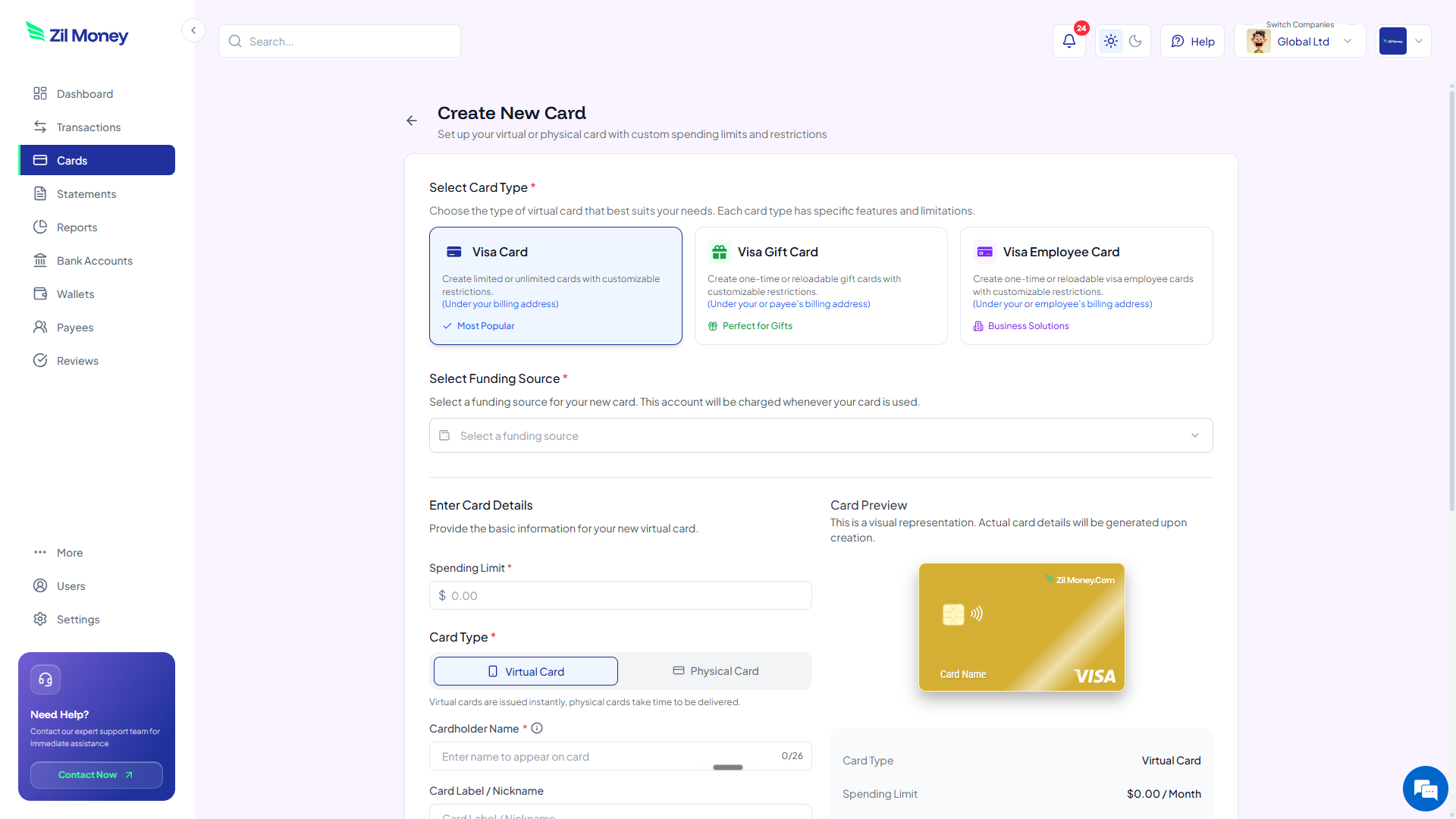
In Virtual Card Maker, create a card for each program or grant, and issue employee cards to the staff and program leads who spend. Label each card by program so the dashboard reads like your budget.
-
Fund to the limit and restrict the spend.
Fund each card to the amount that program or grant allows. Where supported, restrict the card to the merchants it should use, so restricted money stays inside its boundary.
-
Reconcile and export per program.
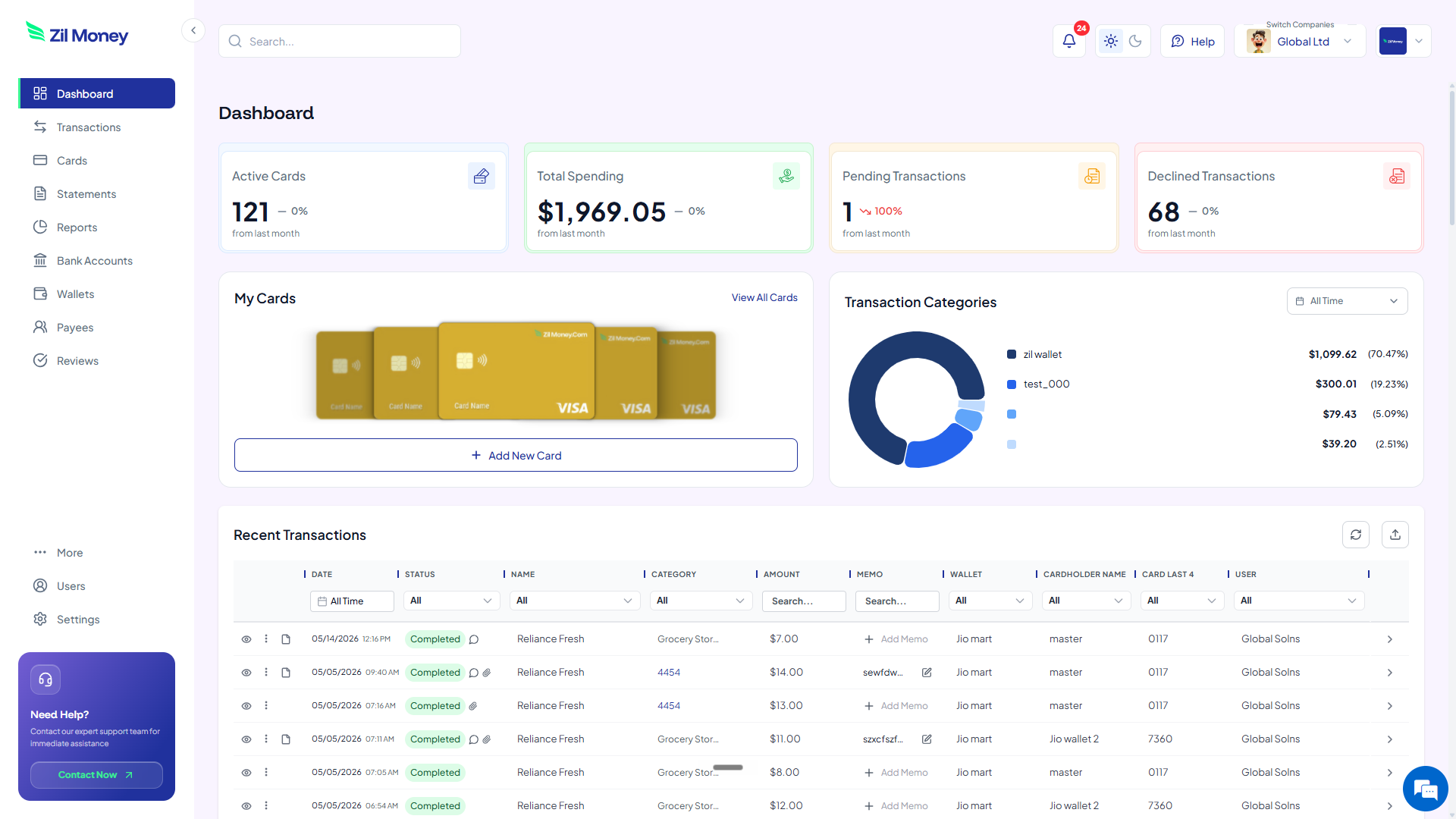
Receipts attach to each charge as staff spend. At report time, review per-program spend and export the records for your accounting workflow and your funder reports. Cancel cards for programs that have ended.
Reporting to a funder soon?
Give each grant its own capped card and turn report time into a clean export.
A shared organization card vs virtual cards
The point is not novelty. It is that program separation, restricted-fund control, and audit-ready records come built in. Here is the side-by-side.
One number, one statement, every program mixed together.
- Program, grant, and office spend blend into one statement.
- Restricted grant money is easy to overspend by accident.
- Receipts arrive mixed and have to be sorted by hand.
- Only one or two people can safely hold the card.
- Proving how a grant was spent means rebuilding it later.
A capped card per program, grant, and person, each with its own record.
- Each program and grant has its own capped, separate card.
- Restricted funds sit on a dedicated, limited card.
- Receipts attach to each charge, sorted by program automatically.
- Staff and program leads get their own cards with their own limits.
- A grant report starts from a documented card history you export.
Three nonprofit moments where virtual cards pay off
Mission matters, but money has to hold up to scrutiny. Here are three real moments where program-level cards earn their keep.
The restricted grant that must stay separate
A foundation funds your literacy program and expects the money spent only on that. You create a card funded to the grant amount and use it only for that program. Charges above the limit can be blocked based on your controls, and the card's history gives you a documented trail to hand the funder.
The volunteer running a community event
A trusted volunteer needs to buy supplies for a community day. Instead of fronting cash or borrowing the shared card, they get an employee card with a set limit. They buy what is approved, receipts attach to each charge, and there is no reimbursement paperwork afterward.
The board that wants oversight without a CFO
A small board wants to know money is controlled, but cannot hire a finance team. Per-program cards with hard limits and attached receipts give the board real oversight in one dashboard, with no spreadsheet reconciliation marathon.
Grant reporting, records, and staying compliant
Tax-exempt organizations carry real recordkeeping duties. The IRS expects charities to keep books and records that support what they report, and good documentation protects your exempt status. The IRS outlines these responsibilities for charitable organizations. A spending limit is a control, not a record, so the receipts and the business purpose still matter.
Per-program cards make that documentation a byproduct of spending rather than a separate chore. Each transaction supports a receipt upload and a reviewer, so the support for a charge attaches as it happens. When a funder or auditor asks how a grant was used, you export the card's history instead of rebuilding it.
Restricted funds deserve special care. Keeping a grant on its own funded, capped card is one practical way to show designated money was spent as designated, alongside your normal fund accounting.
Why nonprofit teams prefer running spend this way
Leaders often fear cards add overhead to a team that is already stretched. In practice they remove overhead. The reimbursement forms, the shared-card password, and the year-end receipt sort are the real overhead, and per-program cards replace all three.
It also protects relationships. Volunteers stop fronting their own money, staff stop guarding a single card number, and funders get clean reports. The trust that a nonprofit runs on is easier to keep when every dollar has a record attached.
Set up your first program card this afternoon
If you have a grant or program to manage right now, here is the simplest next step.
- Sign up. Create an account at Virtual Card Maker. You create the card online and fund it from a connected bank account, with no plastic to wait for in the mail.
- List your buckets. Write down each program, grant, and campaign with the budget it is allowed.
- Create the cards. Make a card per bucket, set each limit, and issue employee cards to staff and program leads.
- Fund and restrict. Fund each card to its allowed amount and, where supported, restrict where it works.
- Report from the dashboard. Attach receipts to charges and export per program when it is time to report.
That is the whole loop. Begin with one restricted grant, then make per-program cards the norm. Most nonprofits that try it stop dreading report season.
