








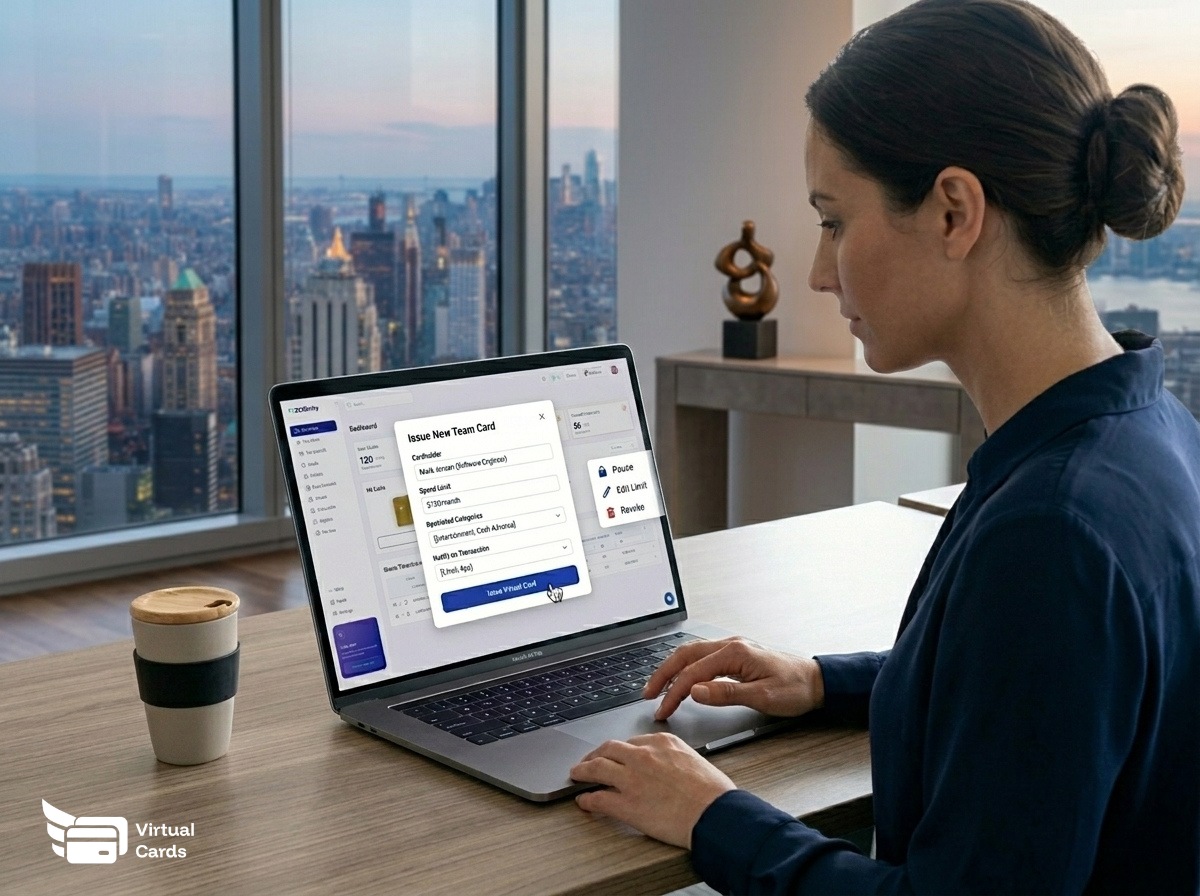
Business expense cards are payment cards issued directly to employees, contractors, or vendors, each with its own spending limit, merchant restrictions where supported, and transaction record. Instead of routing every purchase through one account or chasing reimbursements, finance teams assign a card per person or project and close the month with a complete audit trail already built.
Key Takeaways
- Per-card spending limits prevent overspend without blocking legitimate purchases.
- Merchant and category controls (where supported by the card issuer) stop off-policy spending at the point of sale.
- Virtual cards are available as soon as they are created, making them practical for remote teams and online vendors.
- Receipt capture at the point of purchase reduces month-end scramble and keeps records tidy for tax filings.
- Bulk card issuance lets you set up an entire department or project team in a single step.
What Are Business Expense Cards?
A business expense card is a payment card tied to a company account but controlled at the individual level. Each card carries its own balance or limit, its own spending rules, and its own transaction history. The business owner or finance manager sets the parameters; the cardholder spends within them.
The concept has been around since corporate credit cards became common in large enterprises. What changed for small and mid-size businesses is the arrival of virtual card infrastructure that lets any company issue its own cards without waiting on a bank relationship or printing physical plastic. According to the Consumer Financial Protection Bureau (CFPB), prepaid and virtual card products have expanded access to payment tools for businesses of all sizes, making commercial card programs that once required enterprise contracts available to smaller operators.
Business expense cards differ from a shared company credit card in one critical way: accountability is built in from the start. When every employee has their own card, every transaction is attributed to a specific person, project, or cost center. The shared card, by contrast, requires manual categorization after the fact and makes it difficult to identify who made any given purchase.
How Business Expense Cards Work
The mechanics are straightforward. A business deposits funds or maintains a credit line with a financial institution. That institution, through a card program, allows the business to create sub-accounts or virtual card numbers that draw from the main balance or credit line. Each sub-account represents one employee or use case.
When the cardholder spends, the transaction clears against their card's limit, not the full company balance. The finance team sees the transaction in real time (subject to network processing), can tag it to a budget code, and can freeze or cancel the card at any time without affecting other cards on the account.
Worked Example
Field Crew Per-Job Cards at Marlow Construction Group
Marlow Construction Group runs four active job sites simultaneously. The finance manager issues one virtual expense card per site, each loaded with the site's weekly materials budget. Crew leads use their card at local suppliers. Receipts attach to each transaction in the dashboard. At the end of the week, the finance manager exports a per-site spend report, compares it to the project budget, and tops up or adjusts limits for the following week. No expense reports. No reimbursements. No mystery charges on a shared card.
This model works because the card program enforces the rule at the point of sale. If the site-1 card hits its limit, the transaction declines automatically. The crew lead calls the finance manager, explains the need, and the limit adjusts if the reason is valid. That two-minute conversation replaces what otherwise becomes a month-end budget overrun discovered too late to fix.
Virtual vs. Physical Expense Cards: Which Is Right for Your Business?
Most businesses running expense card programs today use a mix of both, but the split depends on where and how the cards are used.
| Factor | Virtual Card | Physical Card |
|---|---|---|
| Best for | Online purchases, SaaS subscriptions, remote vendors | In-person purchases, fuel, travel, hardware stores |
| Availability after issuance | Card details available as soon as created | Requires shipping time (typically 5-10 business days) |
| Security if compromised | Cancel and reissue in seconds, no physical card to recover | Requires physical card collection or cancellation; reissue takes days |
| Merchant controls (where supported) | Supported by most virtual card platforms | Varies by issuer; often not available on standard corporate cards |
| Contactless / in-store use | Requires mobile wallet (Apple Pay / Google Pay) where supported | Works at any point-of-sale terminal |
| Receipt management | Digital receipt capture built into most platforms | Paper receipt required; manual upload needed |
| Best fit for remote teams | Yes, no address required for delivery | Requires a mailing address per employee |
For most B2B and SaaS spending, virtual cards are the practical default. For field teams that need tap-to-pay at fuel stations or building supply stores, a physical card is still the right tool. Many expense management programs let you issue both types under the same account and set controls on each.
Setting Spending Controls on Business Expense Cards
Spending controls are what separate a business expense card from a debit card with a name on it. The controls available depend on your card issuer's capabilities. Not all providers offer every control type, so confirm what is available before choosing a platform.
Common control types include:
- Dollar limits: Set a maximum spend per transaction, per day, or per billing cycle.
- Merchant category locks (where supported): Restrict the card to specific merchant category codes (MCCs) such as office supplies, travel, or fuel. Transactions at out-of-policy MCCs decline automatically.
- Specific merchant locks (where supported): Tie the card to a single vendor, useful for a recurring supplier or a single SaaS subscription.
- Date and time restrictions (where supported): Allow the card to process only during business hours or specific date ranges, which is useful for project-based cards with a defined end date.
- Single-use cards: Issue a card that becomes inactive after the first transaction, eliminating any risk of ongoing unauthorized charges.
The FDIC notes that commercial card programs have grown as financial institutions develop more granular control features for business customers. Understanding which controls are actually available on your chosen platform, versus which are advertised as optional add-ons, is the first step in designing a card policy that holds up in practice.
Receipt Capture and Expense Reporting
The back half of expense management is documentation. A card program without receipt capture just moves the problem from "who spent this?" to "where is the receipt for this charge?" Good platforms attach documentation to the transaction at the moment it happens.
How receipt capture typically works
When a transaction posts to a business expense card, the cardholder receives a prompt (via email, SMS, or in-app notification) to attach a receipt. The receipt image attaches to that specific transaction record in the dashboard. The finance team sees a line item with the amount, the merchant, the cardholder, and the attached receipt, all in one view.
For recurring vendor charges, some platforms allow pre-approved transaction types to clear without manual receipt attachment, reducing friction for predictable monthly costs like software subscriptions.
IRS documentation requirements
The IRS requires businesses to keep records that support deductions, including receipts for business expenses. Digital receipts attached to transaction records satisfy this requirement when they show the amount, date, vendor, and business purpose. A card platform that stores transaction records and attached receipts in an exportable format gives you what you need at tax time without a separate filing system.
For travel and entertainment expenses specifically, IRS rules require documentation of the business purpose in addition to the amount and vendor. A notes field on the transaction, where the cardholder records the meeting or project context, closes that documentation gap.
Who Should Use Business Expense Cards?
Business expense cards are not limited to large companies. Any business where more than one person makes purchases on behalf of the company has a use case for individual expense cards.
- Small businesses (5-50 employees): Replace reimbursement requests and shared card access with per-person cards that have appropriate limits for each role.
- Construction and field services: Issue per-job or per-crew cards to control materials and equipment spending on each project without giving full account access to field staff.
- Marketing and creative teams: Issue cards for ad spend, subscriptions, and freelancer payments with category controls where supported to prevent budget creep into unrelated expenses.
- Professional services firms: Give each client account its own card to track billable expenses by client without post-hoc sorting.
- Remote and distributed teams: Virtual expense cards reach employees anywhere with an internet connection, with no shipping delay for physical card delivery.
- Vendor and contractor payments: Issue a single-use virtual card per vendor to avoid giving recurring card access to external parties.
How to Issue Business Expense Cards Through Virtual Card Maker
Virtual Card Maker connects to Zil Money's banking-as-a-service infrastructure to let businesses create and manage virtual expense cards from a single dashboard. The process has three steps: fund the account, create the card, assign it to the person or use case.
Step 1: Fund your account
Add funds to your Zil Money account by ACH transfer, wire, or from a connected bank account. Your card program draws from this balance, so fund it to match your anticipated spend for the period.
Step 2: Create and configure the card
From the Virtual Card Maker dashboard, select "Create Card" and set the parameters: spending limit, category restrictions where supported, expiration date, and cardholder name. For bulk issuance, upload a CSV with cardholder details and limits to create multiple cards at once.
Step 3: Share the card details
For virtual cards, share the card number, expiration, and CVV securely with the assigned cardholder or vendor. The cardholder uses the card for online purchases. For physical cards where available, enter a mailing address and the card ships to the cardholder.
See our guide on expense cards for employees for a detailed walkthrough of setting up employee-level controls, and read how to stop chasing receipts with virtual cards for the receipt workflow setup.
Ready to Issue Your First Business Expense Card?
Create virtual cards for your team, set per-card limits, and track every transaction from one dashboard.
Get StartedFrequently Asked Questions About Business Expense Cards
What is a business expense card?
A business expense card is a payment card issued to employees or vendors that draws from a company account. Each card carries its own spending limit and transaction record. The business controls the limits; the cardholder spends within them. Virtual business expense cards can be issued and used for online purchases without a physical card being printed.
How are business expense cards different from corporate credit cards?
Corporate credit cards typically extend a credit line to the business, require a credit check, and issue cards under the company's credit account. Business expense cards, including prepaid and virtual options, load a set balance per card and do not require credit approval. Expense cards are also easier to issue in bulk, cancel, and restrict to specific spending categories where the issuer supports those controls.
Can I set spending limits on employee expense cards?
Yes. Most business expense card platforms let you set a spending limit per card per day, per transaction, or per billing cycle. When the limit is reached, the card declines further purchases automatically. You can adjust the limit at any time from the management dashboard without reissuing the card.
Are merchant category restrictions available on business expense cards?
Merchant category restrictions are available on many business expense card platforms, but support depends on the card issuer. Where supported, you can lock a card to specific merchant category codes (MCCs) such as office supplies or travel, and transactions at other categories decline automatically. Confirm with your specific provider which controls are active on your card program before relying on them in your policy.
Do business expense cards work for remote employees?
Virtual business expense cards work for remote employees because the card details are shared digitally, with no physical delivery needed. The cardholder receives card number, expiration date, and CVV to use at any online merchant or store that accepts the card network. This makes virtual expense cards a practical option for distributed teams across multiple locations.
How do business expense cards help with tax preparation?
Business expense cards create a per-transaction record with merchant name, amount, and date. When cardholders attach receipts to each transaction, the platform maintains a digital audit trail that meets IRS documentation requirements for business deductions. Exporting the transaction log at year-end reduces the manual work of reconciling expenses from paper receipts or bank statements.
