








 ChatGPT
 Claude
 Grok
Grok Perplexity
 Gemini
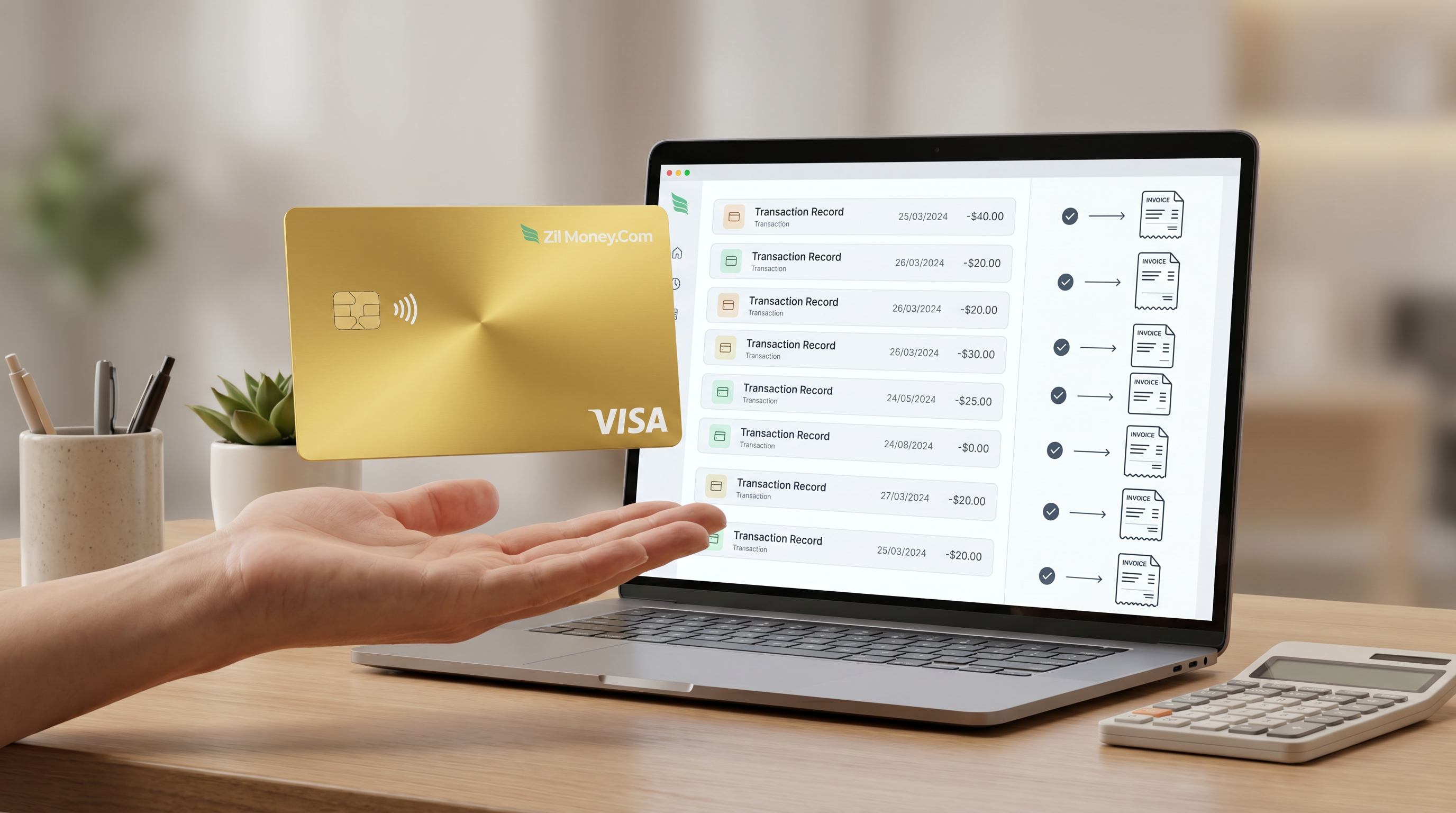
Reconciliation gets simple when you issue one card per vendor or per invoice, set the card to the invoice amount, and match each charge one to one in your dashboard, then export. Because the card already names the payee and is capped at the bill, you are not decoding a merchant string or hunting for which line belongs to which invoice. A charge over the amount is declined, so the number you reconcile cannot exceed what you approved. For a one-time bill, a single-use card carries exactly one charge for a clean closeout, then you close or cancel the card once it settles. Here is the full workflow, step by step.
Most AP teams do not lose hours on reconciliation because the math is hard. They lose hours because a card statement hands them a wall of cryptic merchant names and dollar amounts, and someone has to reverse-engineer which charge paid which bill. Virtual cards flip that around. You decide what each card is for before a single charge posts, so the record arrives pre-sorted.
Below is what "reconcile" really means with virtual cards, the seven-step workflow, a worked example on a real set of invoices, and the mistakes that slow a close down. This is general process guidance for AP staff and bookkeepers; for how a payment posts in your specific ledger, confirm with your CPA.
Why card statements fight you at month-end
A shared corporate card pools every purchase from every person onto one statement. By close, you are matching descriptors like "SQ *VENDOR LLC 8003 CA" to a stack of invoices, and the amounts rarely line up cleanly because one card paid five vendors in a week.
Here is what slows the close, in the words of the people who run it:
- The merchant string is not the vendor name. The descriptor on the statement is the acquirer's label, not the invoice you are trying to match it to.
- One charge, many possible invoices. When a vendor sends three bills in a month, a single round number on the statement could pay any of them, or part of each.
- Overcharges surface late. A duplicate or an amount above the agreed price clears on a shared card, and you find it during reconciliation instead of at the point of payment.
- No clean cutoff. A reusable card keeps taking charges, so there is never a moment where one card equals one closed bill.
None of this is a math problem. It is a structure problem. Fix the structure of the card and reconciliation mostly takes care of itself.
What "reconcile" really means with virtual cards
Reconciling a virtual card payment means confirming that each charge matches a specific invoice, for the right amount, to the right vendor, and then recording it in your books. With virtual cards you set up that match in advance instead of reconstructing it after the fact. These are the levers that do the work, each one closing a specific gap.
What holds on day one: in Virtual Card Maker, every card has a deterministic spend cap and one-click freeze or cancel, and you match charges to invoices in the dashboard or in the export. Merchant-category, location, and time controls depend on what your card program and the Visa network support, so check which are active on your account. Treat the matching as something you do, in the dashboard or via export, rather than an automatic posting into your ledger. Confirm any direct accounting connection on your account before you rely on it.
You can mix these per card. A one-time bill from a new supplier suits a single-use card, while a supplier you pay every month suits a reusable card capped per vendor. The pattern is the same one behind clean virtual cards for supplier payments: the card decides what it is for before the money moves, so the record arrives reconciliation-ready.
How to reconcile virtual card payments in 7 steps
Start to finish, this is a short routine, and the order matters because the first two steps are what make the rest one to one.
- Issue one card per vendor or per invoice. Decide your grain up front. A card per vendor groups all of that supplier's spend; a card per invoice maps a single charge to a single bill. Either way, the payee is the card, so you read it straight instead of decoding a merchant string. This is the same structure behind virtual cards for accounts payable.
- Set the spend limit to the invoice amount. Cap the card at the exact figure on the bill. The spend cap is deterministic, so a charge above that amount is declined. The number you later reconcile cannot exceed what you approved, which kills overcharges and accidental duplicates at the point of payment.
- Track each charge by card in the dashboard. As the charge posts, it appears under its own card. Because one card maps to one payee or one bill, you see the vendor without translating the descriptor. Name the card for the vendor and invoice number so the screen reads like your AP ledger.
- Match payments one to one to invoices. In the dashboard, line each charge up against its invoice. With a card per invoice the match is direct, since the card amount and the invoice amount are the same figure. Confirm the amount, note the invoice number, and mark it matched.
- Use single-use cards for clean closeout. For a one-time bill, issue a single-use card so it carries exactly one charge. One card, one charge, one invoice means there is nothing left to untangle, which is the cleanest closeout you can give a bill.
- Export records for your books. Export the card transactions to a spreadsheet or file and bring them into your accounting workflow. You do the matching in the dashboard or in the export; the card data is structured so coding and posting go fast. You can also issue and reconcile in bulk from a spreadsheet or through the API.
- Close or cancel the card after it settles. Once the charge settles, close or cancel the card. Canceling stops new charges, but a charge already authorized and still pending will settle and count against the card, the way any card works. An authorization the merchant never captures will expire and drop off, so if a charge you expected never settles, do not post it. Reconcile against the settled amount, not the pending authorization.
Three ways AP reconciles cards, and what each one costs you
Most teams are choosing between three real approaches, not reading a feature list. Here is how they stack up on the parts that actually bite at close.
| What goes wrong at close | Shared corporate card | Manual ACH or check + spreadsheet | Virtual card per vendor or invoice |
|---|---|---|---|
| Identify the payee | Decode the merchant descriptor. | Cross-reference the memo line. | The card names the payee. |
| Match charge to invoice | One card paid many bills; you guess. | Manual lookup, line by line. | One to one when the card amount equals the invoice. |
| Catch an overcharge | Clears, then you find it at close. | Caught only if someone checks. | Over-amount charge is declined at payment. |
| Clean cutoff per bill | Card keeps taking charges. | Depends on bank timing. | Single-use card closes after one charge. |
| Get it into the books | Re-key from the statement. | Re-key from the spreadsheet. | Export structured records, then code. |
| Stop future charges | Reissue the shared card. | Place a stop or void. | Freeze or cancel one card from the dashboard. |
Every reconciliation headache and the setting that ends it
If you remember nothing else, remember this map. Each real problem has one lever that closes it.
| The thing that goes wrong | The setting that ends it |
|---|---|
| Cannot tell which vendor a charge paid | One card per vendor |
| Cannot tell which invoice a charge paid | One card per invoice |
| Charge comes in above the agreed amount | Spend cap set to the invoice amount |
| A reusable card never gives a clean cutoff | Single-use card for one-time bills |
| Re-keying the statement into the books | Export transactions, then code |
| A vendor keeps billing a card you closed | Freeze or cancel from the dashboard |
| A duplicate payment slips through | One card, one invoice, capped at the amount |
A real example: reconciling a week of vendor invoices
Here is a real-world close. Four invoices land in one week: a print run from Northgate Printing, a software renewal from Brightline Software, a freight charge from Cardinal Logistics, and a one-time setup fee from Vesta Consulting. Your AP clerk issues a card for each before paying.
How the cards are set
- Northgate Printing: reusable vendor card, capped at the $1,240 invoice
- Brightline Software: reusable vendor card, capped at the $540 renewal
- Cardinal Logistics: reusable vendor card, capped at the $815 freight bill
- Vesta Consulting: single-use card capped at the $2,000 one-time fee, so it carries exactly one charge
What reconciles cleanly
- Matched $1,240 to the Northgate invoice. The charge sits under the Northgate card, amount equals invoice, one to one.
- Matched $540 to Brightline, $815 to Cardinal. Each charge reads its payee straight off the card; no descriptor decoding.
- Closed the Vesta single-use card after its one $2,000 charge settles. One card, one charge, one invoice, nothing left open.
What the cap stops
- Declined a Cardinal charge that came in at $905 instead of the agreed $815. Over the cap, so it stops cold. Your clerk calls Cardinal, the corrected $815 invoice posts, and the close stays clean. The cap forced the catch at payment instead of a write-up at month-end.
- Held a Brightline charge still showing as pending. You reconcile it against the settled amount, not the authorization, because a pending charge can still change before it settles.
At close
Export the four cards' transactions, code each to its expense account, and post. Every charge is already tied to one vendor and one invoice, the over-amount attempt never entered the books, and the single-use card is closed. The week reconciles in one short pass, not an afternoon of descriptor archaeology.
Mistakes to avoid your first close
Do not pay many vendors on one shared card and reconcile after. That recreates the descriptor-decoding problem you are trying to escape. One card per vendor or per invoice is what makes the match one to one. The setup cost up front saves the reconstruction at close.
Do not reconcile against a pending authorization. A pending charge can change before it settles, and canceling a card does not pull back a charge already authorized. Match and post against the settled amount, so your books reflect what actually cleared.
Do not assume the card auto-posts into your ledger. Treat matching as something you do in the dashboard and through export. Confirm any direct accounting connection on your account before you rely on it, and keep your export-and-code routine as the dependable path.
Partial payments, recurring bills, and single-use
Not every invoice is a single clean charge. For a partial payment, set the card limit to the partial amount you intend to pay, match that charge to the invoice as a partial in your books, and track the remaining balance against the invoice, not the card. The card paid what it paid; the open balance lives on the bill.
For a recurring vendor, a reusable card capped per vendor keeps every month's charge grouped under one payee, so each cycle still reconciles one to one against that period's invoice. For a one-time bill, a single-use card gives you the cleanest closeout: one charge, then it is done. The same logic scales across the whole company when you run virtual cards for business payments and broader vendor payments by virtual card.
Getting card records into your books
The reconciliation does not have to live inside the card tool. You match charges one to one in the dashboard, then export the transactions and bring them into your books, where you code each charge and post it.
- You match in the dashboard or in the export, not through an assumed automatic posting. Frame it as your routine, not the tool's magic.
- You can reconcile in bulk from a spreadsheet, or through the API if you have a developer, so a heavy AP week does not mean matching charges one at a time.
- You should confirm any direct accounting connection on your account before relying on it; the export-and-code path always works.
On the tax side, the export gives you the documented trail your books need, but how a specific payment is categorized or deducted is general information here, not advice. Confirm the treatment with your CPA. For the bigger picture on paying and reconciling suppliers at scale, see virtual cards for supplier payments.
People also ask
How do I match a virtual card charge to the right invoice?
Issue one card per invoice or per vendor. The charge then shows under that card in the dashboard, so the payee is obvious and the match is one to one. Confirm the amount, attach the invoice number, and export.
How do virtual cards prevent overcharges during reconciliation?
Set the card's spend limit to the invoice amount. The spend cap is deterministic, so any charge above that amount is declined. The figure you reconcile cannot exceed what you approved on the card.
Single-use or reusable cards for reconciliation?
Use a single-use card for a one-time bill so it carries exactly one charge for a clean closeout. Use a reusable card capped per vendor for a supplier you pay on a recurring basis.
Can I export virtual card records for my books?
Yes. Export the card transactions to a spreadsheet or file and bring them into your books. You match charges to invoices in the dashboard or in the export, then code and post them as usual.
Do virtual cards integrate with my accounting software?
These cards do not post directly into your accounting software. You export the card transactions to CSV or Excel and import or key them into your books. Direct integrations depend on your account.
How do I reconcile a partial payment on a virtual card?
Set the card limit to the partial amount you intend to pay, then match that charge to the invoice as a partial payment in your books. Track the open balance against the invoice, not the card.
